
ClickUp
Work management platform for teams to build tasks, docs, goals, chat, and AI workflows in one workspace.
What is ClickUp?
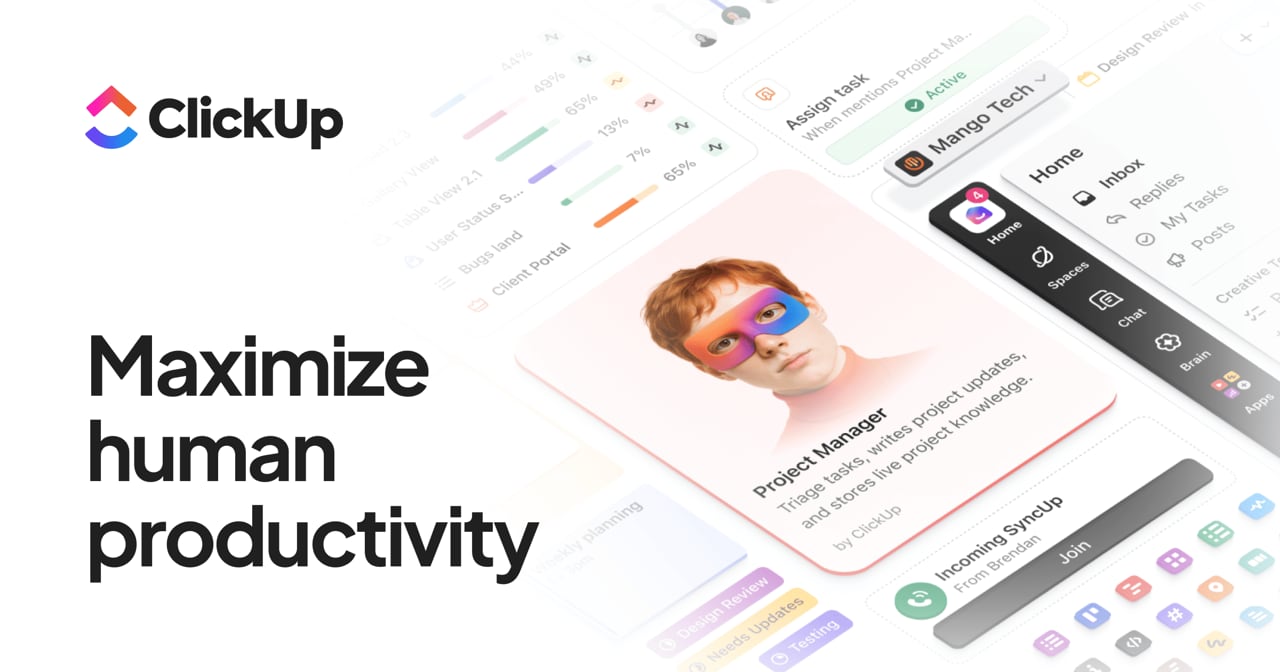
Try ClickUpClickUp is a work management platform that brings tasks, docs, goals, chat, and AI into one customizable workspace. Teams can plan and execute work using flexible views and workflows, while ClickUp Brain and AI Super Agents help with writing, summarization, search, and automation. ClickUp also supports Ambient Agents that monitor workflows in the background and take action before you’re asked.
What is ClickUp, and how does it help teams manage work?
ClickUp combines work management essentials—tasks, docs, goals, and team chat—plus AI in one platform so teams can plan, track, and execute without switching between disconnected tools. It’s designed to support different team and use cases with a scalable workspace hierarchy and customizable workflows.
How do ClickUp Brain and AI agents support automation inside the workspace?
ClickUp Brain provides built-in writing, summarization, search, and automation capabilities across your workspace. AI Super Agents can be @mentioned, assigned, and messaged like teammates to run workflows autonomously 24/7, while Ambient Agents monitor workflows in the background and act proactively.
Is ClickUp no-code friendly for setting up workflows?
ClickUp’s workspace is highly customizable and includes many built-in view types, which can help teams start organizing work quickly. For automation, it offers agentic capabilities through ClickUp’s AI platform and agent workflow support without requiring teams to build everything from scratch.
How is work organized in ClickUp?
ClickUp uses a clear hierarchy: Workspaces (organization), Spaces (departments), Folders (projects), Lists (categories), and Tasks (work items). This structure helps teams align higher-level planning with day-to-day execution.
What apps can ClickUp integrate with, and how many are there?
ClickUp offers 1,000+ app integrations, including tools like Slack, GitHub, Salesforce, and Google Workspace. This lets teams connect ClickUp with the software they already use for day-to-day work.
Can developers connect ClickUp to AI agents or build custom integrations?
Yes. ClickUp supports an MCP server for AI agent integration at https://mcp.clickup.com/mcp (available on all plans in public beta) and also provides a REST API for custom, server-to-server integrations. The MCP server enables natural-language control of workspace actions like task creation, assignment, status updates, time tracking, docs, and comments.
How is work organized in ClickUp’s hierarchy?
ClickUp uses a scalable structure: Workspaces for organizations, Spaces for departments, Folders for projects, Lists for categories, and Tasks as the work items. This hierarchy helps teams map work from higher-level teams down to day-to-day execution.
Can ClickUp AI search find information across ClickUp and other apps?
Yes. ClickUp includes Enterprise Search with AI-powered search across ClickUp and 50+ connected apps, so you can find relevant information across your workspace and other integrated tools rather than searching in each system separately.
How can developers connect ClickUp to AI agents or build custom integrations?
ClickUp supports AI agent integration via an MCP server at https://mcp.clickup.com/mcp and programmatic access via a REST API for custom integrations. The MCP server supports major MCP clients and allows natural-language control of workspace actions such as task creation, assignments, status updates, time tracking, docs, and comments (public beta).