
monday.com
Work platform for planning projects, automating workflows and building business apps without code.
What is monday.com?
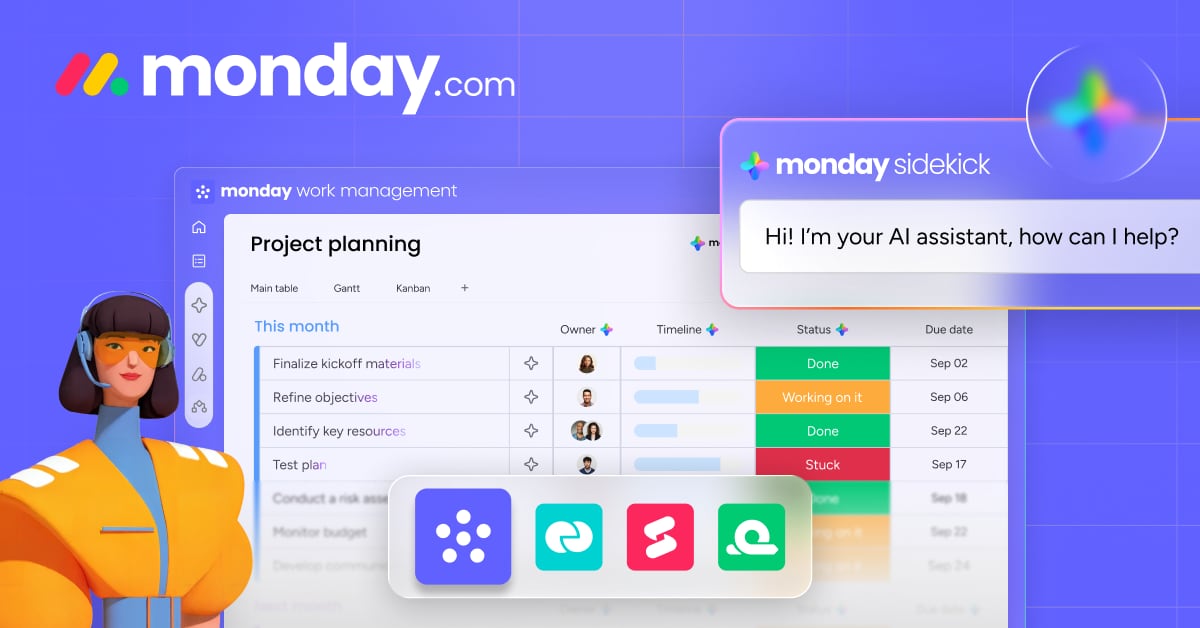
Try monday.commonday.com is a work platform for planning and automating how teams execute projects. With code-free automations, teams can set up notifications, date reminders, auto-assigning, task creation, and custom workflows. The platform also includes AI platform capabilities like an agent builder, an AI assistant, AI workflows, and tools such as Vibe coding and a Notetaker.
What does monday.com automations help you do?
With code-free automations, you can streamline day-to-day work by adding features like notifications, date reminders, auto-assigning tasks, task creation, and handover tasks. Automations are designed to reduce repetitive effort so your team can focus on the work that matters most.
How no-code are monday.com automations?
monday.com lets you set up code-free automations to create workflows for each team, within minutes. You can customize the automations to match your process without needing traditional coding for every setup.
What kinds of automated notifications and reminders can you set up?
You can instantly send emails when due dates arrive and receive real-time updates when tasks are completed. This helps keep everyone aligned without relying on lengthy email chains or extra meetings.
Can monday.com connect with tools like Google Calendar or Dropbox?
Yes. monday.com is designed to keep your existing tools in the flow by syncing due dates with your Google Calendar and sharing Dropbox files with your entire team, along with other supported integrations.
What AI capabilities are included for automation and workflow building?
monday.com’s AI platform capabilities include an agent builder, an AI assistant, Vibe coding, a Notetaker, and AI workflows. These features are built to help teams automate work and support planning and execution.
What are common areas teams use monday.com automations for?
Teams use monday.com automations across functions like Marketing, Project management, Operations, Sales, Product, IT, HR, and Legal. You can tailor workflows to the way each team operates.
What kinds of integrations and automation does monday.com offer?
monday.com includes integrations and built-in automation capabilities, along with tools such as dashboards and Docs. The app marketplace and automations are positioned to help teams connect their work and keep processes moving.
What template types can I use for common business needs?
You can choose from templates such as Single Project, campaign planning, project portfolio management, product development roadmaps, content calendars, and Contacts for keeping contact information in one place.