
Webflow
Visual platform for designing, building, and launching websites without coding.



What is Webflow?
Try WebflowWebflow is an agentic web marketing platform that helps teams build, publish at scale, and optimize for growth with a composable CMS, analytics, and AI-powered optimization. The Designer provides visual control while outputting clean semantic HTML and structured data that’s designed to be accessible to AI agents and answer engines. With collaboration tools, hosting, and extensibility through APIs and the Apps Marketplace, it’s built for marketing, design, and engineering to work together without trading speed for control.
What can you do with Webflow, and who is it for?
Webflow helps marketing, design, and engineering teams build and manage websites, publish content, and optimize performance. It combines a composable CMS, built-in analytics and optimization, AI-powered features, and hosting so teams can move faster while keeping control of how the site is built and grows.
How does Webflow’s Designer support no-code website building?
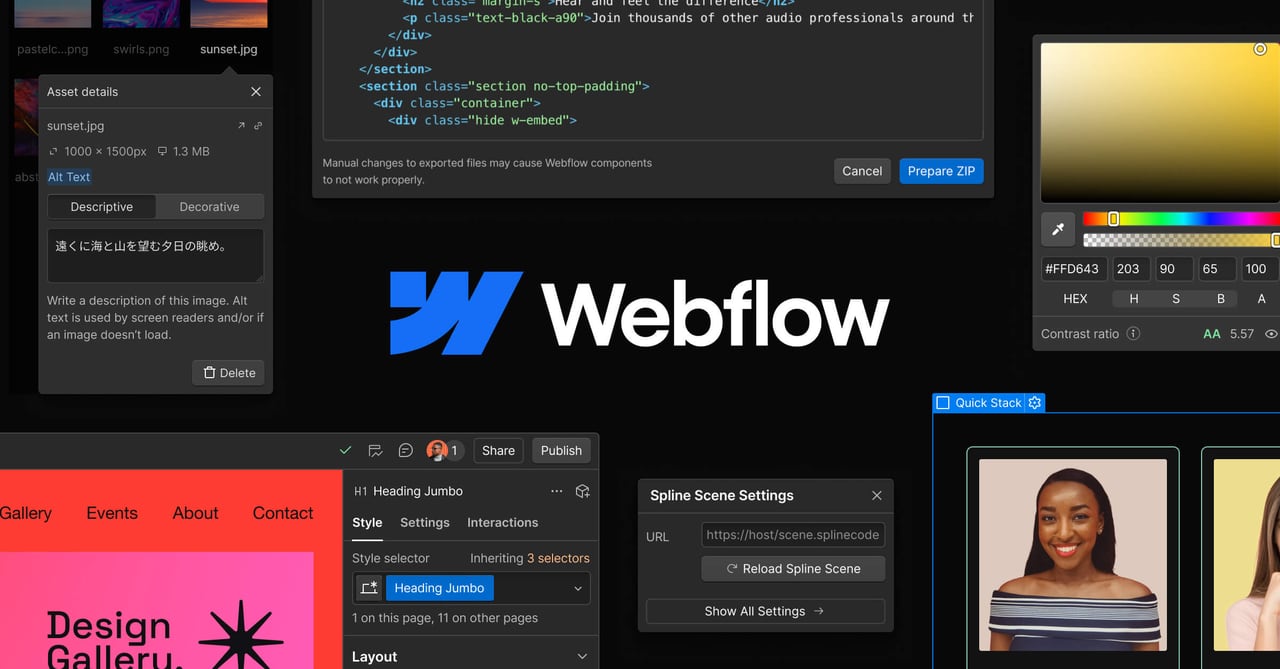
With Webflow’s visual Designer, you can design and build with production-grade semantic code generated from your visual edits. It also supports in-context content editing with approvals, publishing workflows, and role-based access so non-technical teams can manage site updates while still using advanced controls.
What AI features does Webflow include?
Webflow AI includes an AI Assistant plus capabilities like copy generation, image generation, bulk meta descriptions, alt text generation, schema markup, and design suggestions. It also offers an AI Site Builder that can generate complete responsive websites from a prompt, which you can then refine in the visual Designer.
How does Webflow help with content management and publishing?
Webflow’s composable CMS supports custom fields, references, multi-language support, and structured data modeling, with headless APIs for multichannel delivery. For publishing, it includes in-context editing, approvals, publishing workflows, and role-based access, plus collaboration features like real-time co-editing and activity logs.
Does Webflow include SEO and AEO (Answer Engine Optimization) support?
Webflow includes SEO controls such as semantic markup, meta controls, XML sitemaps, 301 redirects, Open Graph, and structured data, along with AI-powered SEO auditing for bulk fixes. It also has native AEO (Answer Engine Optimization) capabilities to measure brand visibility in AI answers and prioritize recommendations for improvements at scale.
Can Webflow connect with other tools and workflows?
Yes. You can connect through Webflow’s Apps Marketplace and integrations, and extend with its developer platform APIs and SDKs. Webflow Cloud also supports full-stack app deployment, and you can use options like DevLink, Figma import, and the MCP server for AI agents to work with Webflow projects.
Can I customize a Webflow template in the visual editor?
Yes. Every Webflow template is fully customizable in the Webflow Designer without writing code, including colors, typography, images, layouts, and navigation, plus adding or removing sections and pages. Templates built with standard design tools can also be modified in the same way as building a site from scratch.
Do I need a paid Webflow plan to use a template?
No—you can explore, build, and customize templates for free in the Designer using a free Starter workspace. A paid Site Plan is needed when you’re ready to connect a custom domain or unlock additional features such as higher CMS content limits, ecommerce functionality, or more form submission capacity.
What support does Webflow offer for team collaboration and controlled publishing?
Webflow includes collaboration and control features like roles and permissions, plus publishing workflows and design approvals. This helps teams work together and manage changes as you prepare updates for launch.