
Webstudio
Webstudio is an open source website builder that empowers creators to build highly maintainable and fast websites using modern web standards.



What is Webstudio?
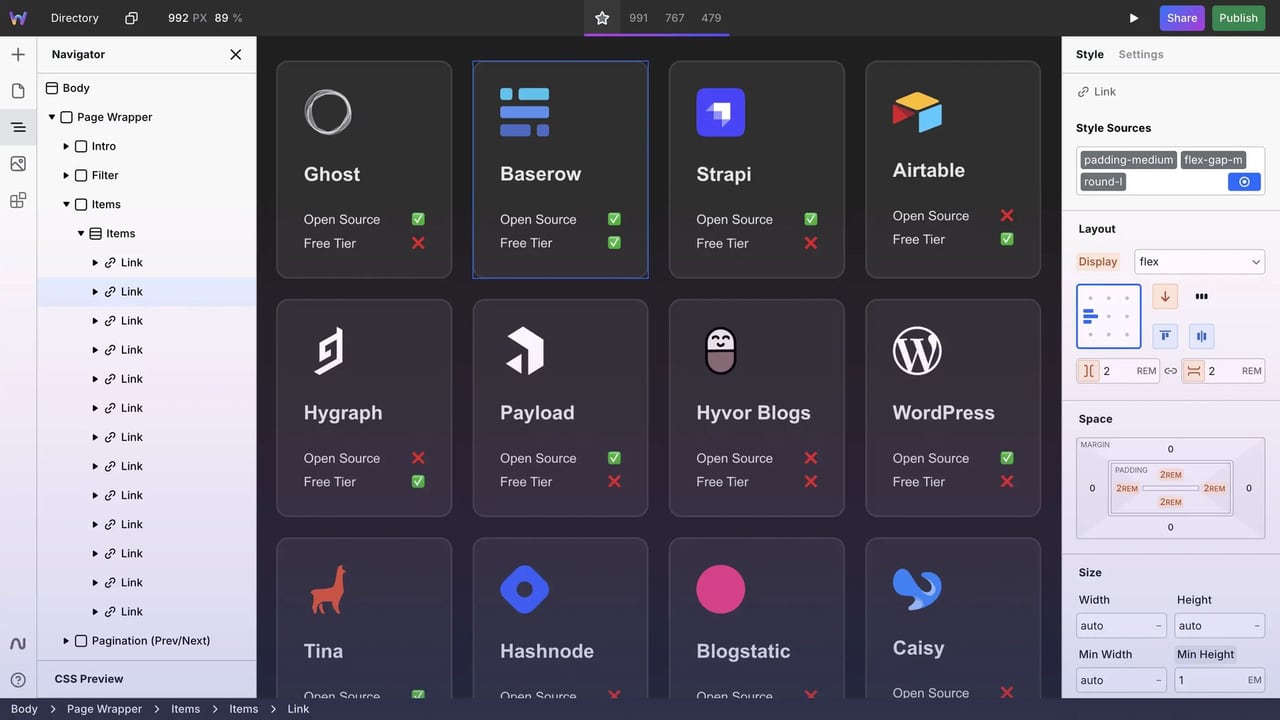
Try WebstudioWebstudio is an open source website builder for creating fast, maintainable websites with modern web standards. Design with a visual editor, then publish to Webstudio Cloud or export and self-host for full control. It also connects to external APIs/CMS data so you can build dynamic pages like blogs, directories, and search/filter experiences.
What does Webstudio do for building websites?
Webstudio helps you design and publish websites using a visual editor while keeping output maintainable and aligned with what’s possible in code. You can publish to Webstudio Cloud for fast delivery, or export a static or dynamic build to self-host, and you can bind data from external APIs or a CMS into structured pages.
Is Webstudio a no-code website builder or do I need to write code?
Webstudio is built around UI-based visual editing: you drag, drop, and style components on a canvas and use the Expression Editor to create logic directly in the interface. You can still access advanced controls like all CSS properties and HTML attributes, but the workflow is designed to avoid custom frontend coding for typical site building.
How can I connect Webstudio to a headless CMS or external API for dynamic pages?
You connect external data using Resources, where you configure the request URL, method, headers, and body. Then you can create dynamic routes (for example, /blog/:slug) and bind incoming data to fields like images, attributes, and even content templates such as “Published at {publishedAt},” including SEO meta binding.
Can I reuse components or styles across a large website?
Yes. Webstudio supports reusable sections via Slot components so updates you make to one Slot instance reflect across all others. For styling, you can use Tokens for reusable styles (or use Local Styles and later convert them into Tokens), and you can also define CSS variables for a consistent design system.
What SEO and performance options does Webstudio include?
Webstudio includes tools like one-click options to prevent indexing, an auto-generated sitemap (including dynamic sitemap from CMS data), and a redirect manager for 301/302 redirects. For performance, Webstudio Cloud deploys to Cloudflare Workers, supports SSR for fully rendered pages, optimizes images (WebP/compression and responsive sizing), and supports lazy/eager image loading.
Can I collaborate with others and share my project safely?
You can generate a unique share link with custom permissions to collaborate while controlling access. Webstudio also supports publishing to a staging domain for testing before you go live, and it manages SSL automatically when using the Cloudflare Proxy.