



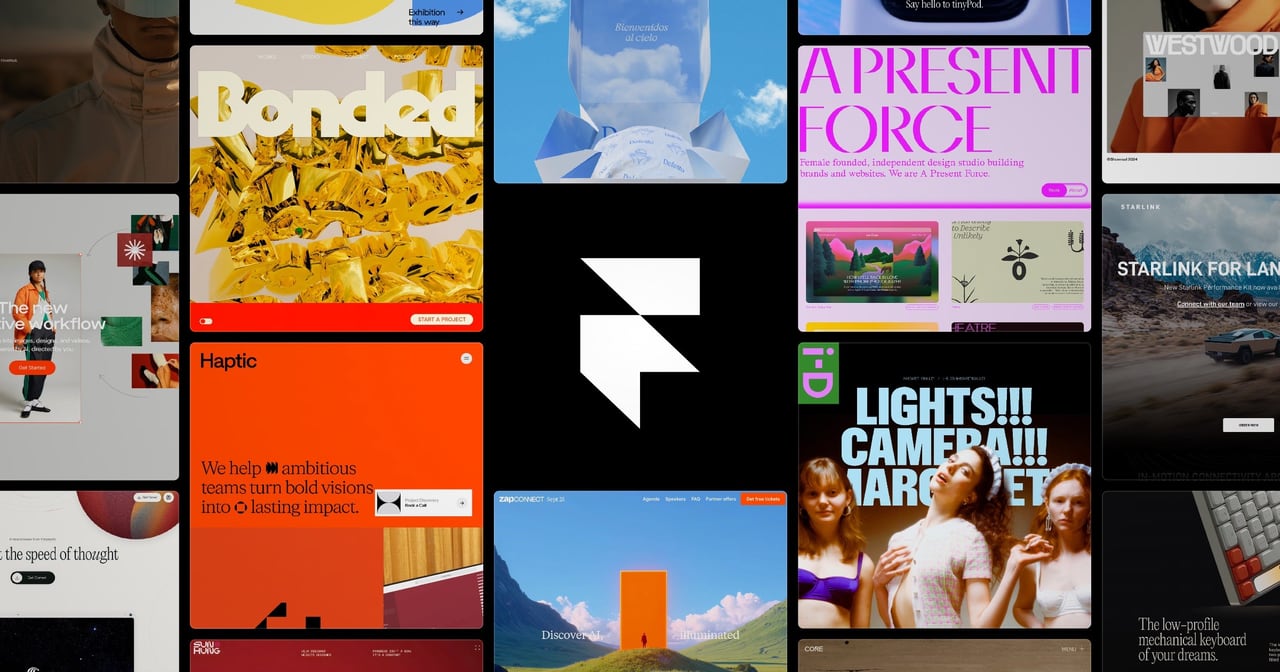
What is Framer?
Try FramerFramer helps agencies deliver client websites faster by using canvas-native AI agents to design, manage CMS content, and generate code directly on your site. Agents make changes in place so updates stay visible, editable, and under your control, supporting workflows for interactive experiences, campaigns, portfolios, redesigns, and ongoing client work.
What is Framer used for when building websites for clients?
Framer is a website platform for delivering client sites using AI agents. You can use a professional design agent to generate and refine ideas directly in the canvas, then handle CMS and code-related work with agents to bring polished interactive experiences to launch.
How do Framer’s agents help you stay in control of the design?
The agents work directly on your site in place, so you can see every change as it’s made. Since the output remains visible and editable, you keep final control over what goes live rather than working in a hidden, black-box workflow.
Can Framer agents set up and run a CMS for a client site?
Yes. The CMS agent sets up, organizes, and updates your CMS by connecting it directly to the canvas so content and design stay in sync as you build.
What kinds of interactions can Framer turn into code?
Agents can turn ideas into code and place the result on your site, ranging from simple custom effects to more complex interactions depending on what you’re building.
Is Framer designed to support agency work like campaigns and ongoing client updates?
Yes. Framer is positioned for agency deliverables such as campaign and launch pages, agency portfolio and case study sites, client websites, ongoing updates, and redesigns without a long development handoff.
Does Framer support a no-code canvas workflow?
Yes. Framer is built around a professional design agent native to the canvas, letting you generate and refine work in a visual, editable workflow rather than starting from scratch in code.