
Memberstack
Easily add memberships, gated content, and payments to Webflow sites
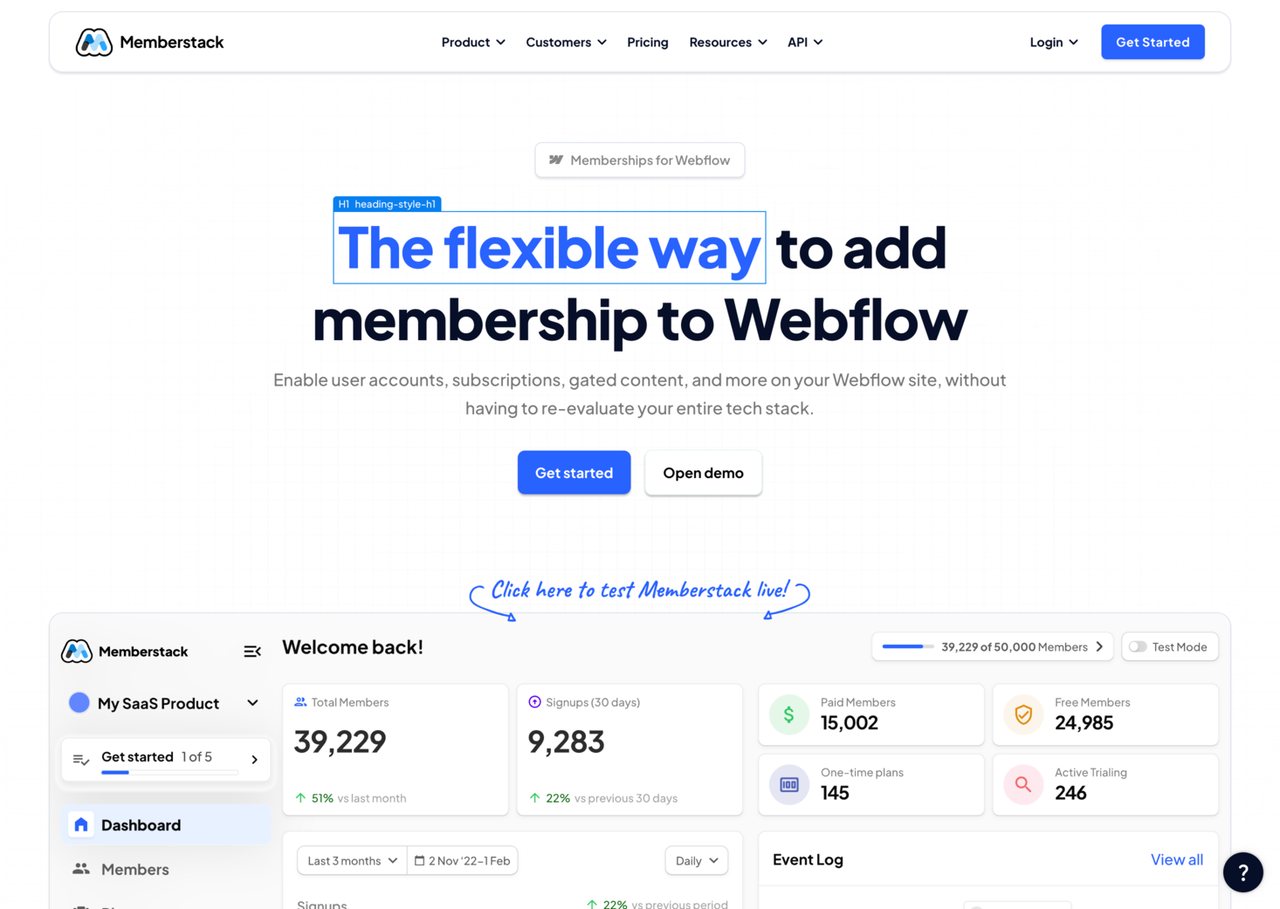
What is Memberstack?
Try MemberstackMemberstack helps you launch a membership experience by adding authentication, gated content, and payments to a site you already have. It’s built to integrate cleanly with Webflow, letting you control access to pages, sections, and elements based on login and plan status. Memberstack also centralizes member and billing data so you don’t have to build those systems from scratch.
What can Memberstack add to my website for a membership?
Memberstack adds authentication, Stripe-powered payments, and content gating so you can lock specific pages, sections, or elements behind a plan or login. It also includes the member data and access control needed to match what someone can see with their billing status.
How no-code-friendly is Memberstack for Webflow?
Memberstack is designed to work natively with Webflow. You can install it by pasting a single script and using attributes to mark login, signup, and gated elements, so typical setups don’t require custom backend development.
Does Memberstack support Stripe subscriptions, one-time charges, and free trials?
Yes. Memberstack supports Stripe billing for subscriptions and one-time plans, including free trials and tiered plans. It ties gating and member access to your billing rules.
Can I gate content and show previews to free members?
You can gate entire pages, sections, buttons, or any element based on plan, payment status, or custom rules without backend code. You can also use conditional visibility to show free members a preview of locked content so they know what they unlock when they upgrade.
What login options and security controls does Memberstack offer?
Memberstack supports multiple authentication methods, including email/password and social login providers like Google, Facebook, LinkedIn, GitHub, and Spotify. It also includes security options such as email verification, admin 2FA, captcha for signup and login, and the ability to block disposable emails.
Is there a free way to start with Memberstack before launch?
Memberstack is free until you launch, with no credit card required. After you go live, billing scales with your members using plan-based transaction fees (plus standard Stripe fees).