
ChatBot
Visual AI chatbot builder for customer support & engagement
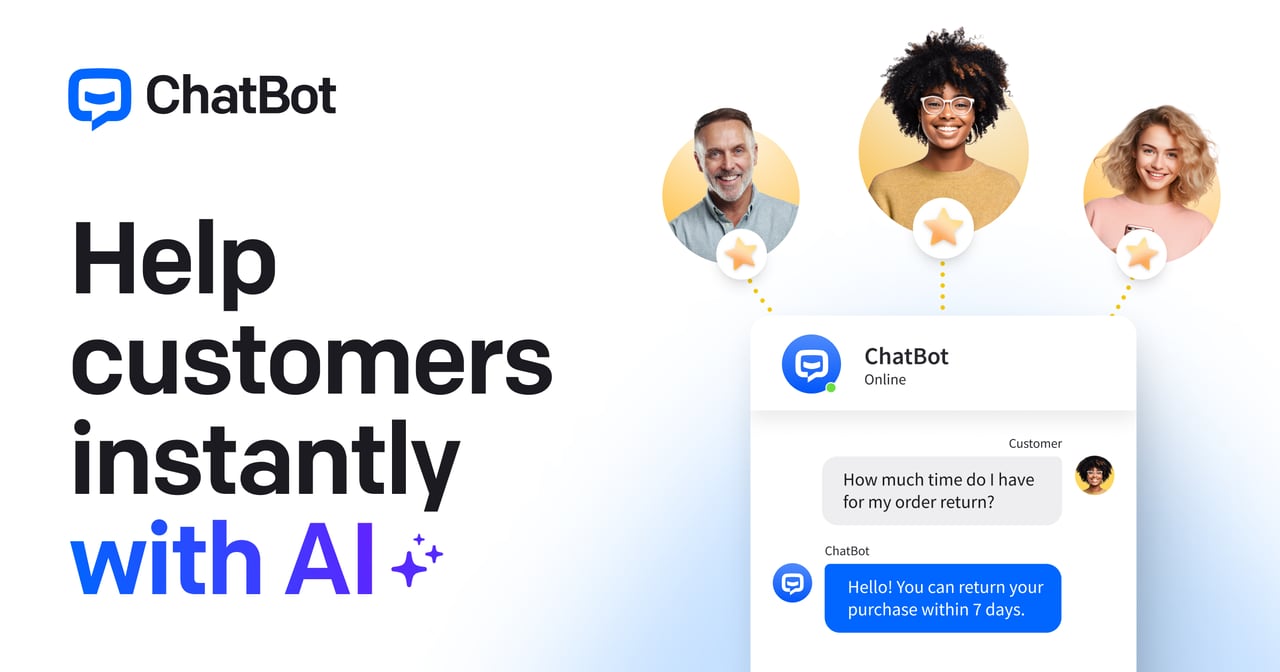
What is ChatBot?
Try ChatBotChatBot.com is an AI chatbot platform that helps you automate live chat and support, capture leads, and deliver on-brand answers with customer context. Train your AI chatbot using your own knowledge so it can resolve more requests on its own, create help desk tickets when needed, and transfer conversations to a human with full context. It also supports sales moments like product recommendations, cross-sell/upsell, and connecting VIP customers to the right team.
What can ChatBot.com do for customer support and sales?
ChatBot.com provides an AI agent that manages real-time conversations, answers customer questions using your knowledge, and uses full customer context to personalize replies. It can capture leads and sales signals in real time, recommend products and add-ons, and create help desk tickets or transfer to a human when something needs escalation.
How do I train the AI chatbot to answer accurately?
You train the AI chatbot so it’s grounded in your own content through a knowledge hub, helping customers get accurate answers without waiting for a human. You can also create skills by describing what you want your agent to do in plain language, and set custom instructions for role, tone, and boundaries.
Is ChatBot.com a no-code platform for building chat and support workflows?
Yes—ChatBot.com includes no-code workflow building in its editor, so you can design automations without developer help. You can also start faster with ready-made templates and then refine what your automations do.
Can the AI hand off to my team without losing context?
Yes. ChatBot.com supports handoff to a human with full context and zero repetition, so your team can pick up where the conversation left off. It also helps with help desk tickets by summarizing ticket context and offering tools like refine replies and ticket rules for faster, more consistent follow-up.
Which channels can I manage from ChatBot.com?
ChatBot.com lets you manage conversations across your website chat widget and across mobile messengers, WhatsApp and Messenger, plus SMS. It also centralizes assignment, transfer, and resolution in one place through its live chat automation.
How does ChatBot.com capture leads and keep customer data organized?
ChatBot.com can ask qualification questions at the right moment to turn conversations into qualified leads and capture contact details and requirements for sales follow-up. It also includes a built-in customer list (a lightweight CRM) that brings together customer details from chats, tickets, and campaigns so support, sales, and marketing work from the same up-to-date profile.