Power Automate
Workflow automation platform to build and govern cloud, desktop, and process-mining workflows across apps and websites.
What is Power Automate?
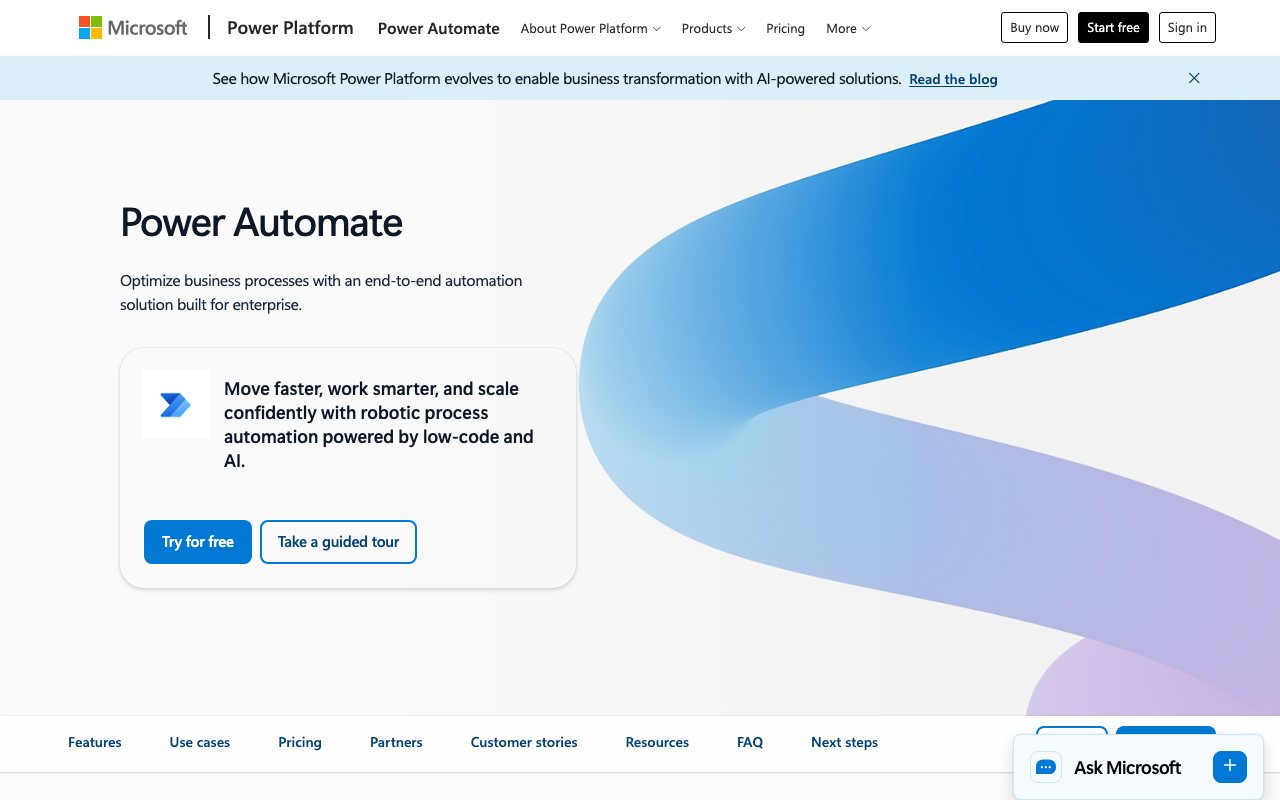
Try Power AutomatePower Automate is a business process workflow automation platform that helps you automate and optimize work across cloud apps, desktop apps, and websites. It combines digital and robotic process automation, process mining, orchestration, and AI capabilities so you can discover opportunities, build flows, and scale them with governance and monitoring. It also fits into the Microsoft Power Platform ecosystem with automation-infused apps, websites, and agents.
What does Power Automate do?
Power Automate automates and optimizes business processes by connecting to cloud apps, data, and services, and by using desktop flows (RPA) for legacy systems. It also includes task and process mining to help you uncover automation opportunities and then orchestrate and monitor those automations at scale.
How easy is Power Automate to use, and is it no-code?
Power Automate is designed for low-code automation, and you can create, edit, and extend process automations faster using natural language with Copilot in Power Automate. You can also start from scratch, use built-in templates, or use an agent to automate tasks and processes.
Can I automate processes across Microsoft 365 apps like Teams, Excel, or SharePoint?
Yes. Power Automate includes native experiences in Microsoft 365, such as Microsoft Teams, Excel, and SharePoint, so you can automate work without switching applications and keep flows connected to your day-to-day tools.
What options are there for connecting to other apps and services?
Power Automate offers more than 1,000 API connectors, and you can also build a custom API connector for sharing. For non-API systems, you can use desktop flows (RPA) with prebuilt or custom user-interface actions to automate legacy applications.
Can I share flows with teammates and control who can edit or run them?
Yes. You can add coworkers or groups as owners to edit and manage flows. For flows that run manually, you can grant other people or groups permission to run them.
Is Power Automate cloud-based, and how does it work with on-premises systems?
Power Automate is a cloud service. If you need to access your own on-premises services, you can connect securely through an on-premises data gateway.