Podpage
Create quick, beautiful, no-code podcast websites effortlessly.
What is Podpage?
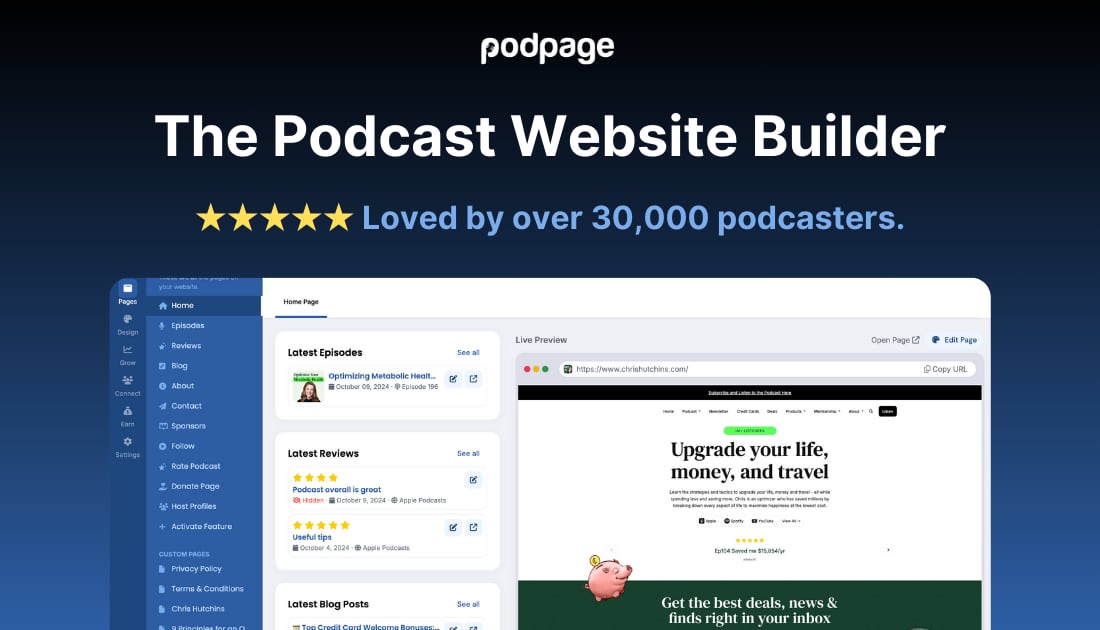
Try PodpagePodpage is a no-code podcast website platform that helps you turn your podcast feed into ready-to-publish episode pages. It automatically updates your site as new episodes arrive, adds transcripts and SEO-friendly metadata, and includes built-in tools to grow, promote, and monetize your podcast. You can also connect AI agents to manage and design parts of your site, with agent-friendly discovery files to help assistants find your content.
What does Podpage do for my podcast website?
Podpage turns your podcast into a full website by automatically generating episode pages from your RSS feed. Each episode page can include a player, show notes, and transcripts, and Podpage keeps pages updated while applying SEO-friendly metadata as your show grows.
Does Podpage automatically publish new episodes from my feed?
Yes. When a new episode appears in your feed, Podpage detects it and publishes a new episode page on your site, updating what visitors see without you manually rebuilding each page.
Is Podpage no-code and easy to set up if I’m not technical?
Podpage is built to let you create a podcast website without starting from scratch or writing code, with website templates and a workflow centered on your feed. It also includes features like a custom domain setup path, mobile-optimized pages, and daily backups to help you launch smoothly.
Can I manage my Podpage site using an AI assistant?
You can connect a compatible AI agent using MCP (Model Context Protocol). With the permissions you authorize, the assistant can update supported episode details, create pages and blog posts, adjust supported settings, and review audience messages while you continue using your Podpage dashboard.
How does Podpage make my site easy for AI assistants to discover?
Podpage automatically publishes an agents.json discovery file at /.well-known/agents.json and generates an /llms.txt manifest on your site. These help AI crawlers and assistants find show details and the sources to access your content, like your RSS feed, sitemap, recent episodes, and transcripts.
What SEO and site controls does Podpage include for better discoverability?
Podpage provides built-in SEO foundation features such as clean metadata, schema markup, and automatic sitemap generation on every page, plus advanced SEO analysis and page-level reporting. It also includes site controls like automatic robots.txt handling, SSL security, custom 404 pages, GDPR cookie support, and tools for tracking analytics.