
UserGuiding
Product adoption and user onboarding platform for building in-app tours, checklists, surveys, and AI-assisted guidance.
What is UserGuiding?
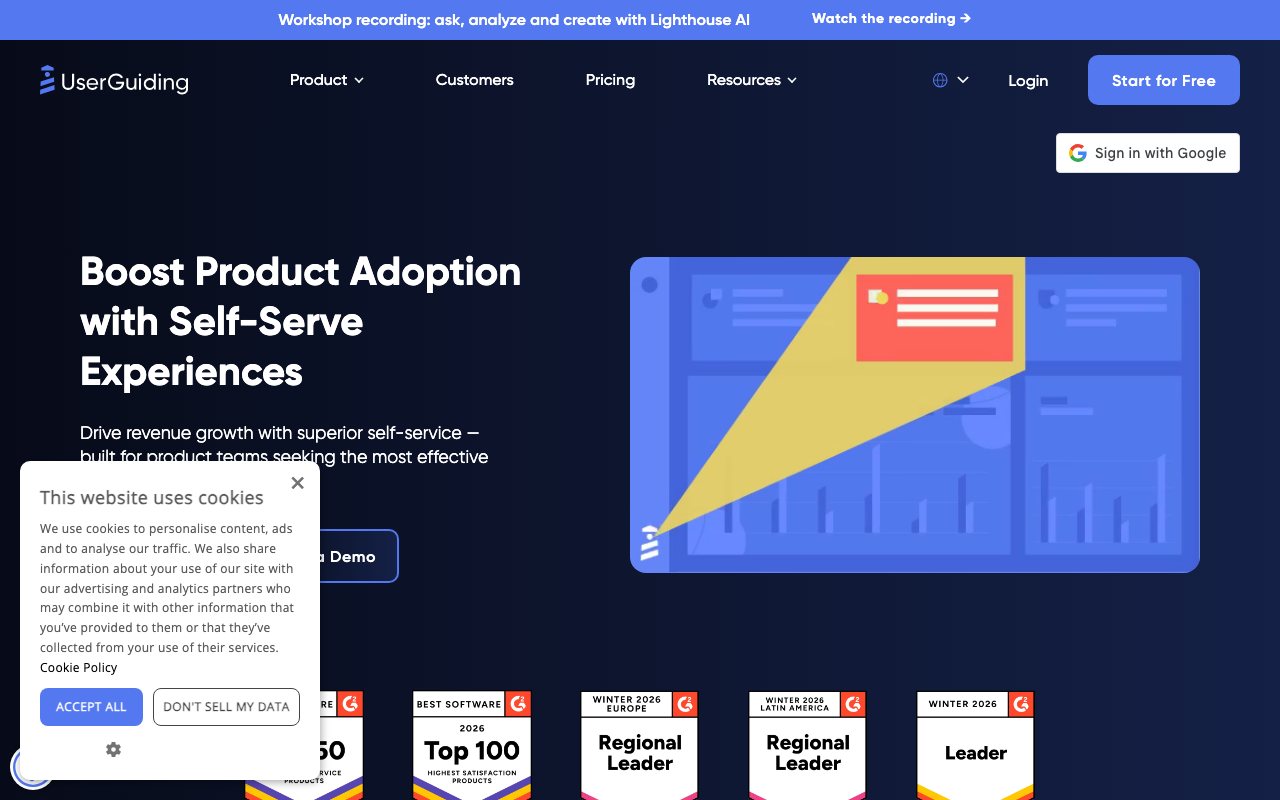
Try UserGuidingUserGuiding is an all-in-one product adoption platform that helps product teams create and improve in-app experiences that drive usage, onboarding, and product strategy without coding. Use the Chrome extension and in-app elements like modals, tooltips, hotspots, and product tours to launch self-serve onboarding and feature adoption campaigns quickly. Powered by AI, it also includes an AI Assistant, knowledge base, surveys, and analytics to measure results and iterate.
What does UserGuiding help you do in your product?
UserGuiding helps you build and improve self-serve in-app experiences such as onboarding flows, feature adoption campaigns, and product tours. It also provides in-app support, surveys, and analytics so you can understand user behavior and keep iterating on what drives adoption and engagement.
Is UserGuiding no-code, and how hard is it to get started?
Yes—UserGuiding is designed to let you create in-app onboarding experiences without coding. You can get started in about 15 minutes, embed the container code, use the Chrome extension to create and edit experiences on top of your web app, then preview and publish.
How do you create onboarding flows or feature adoption campaigns?
You build experiences directly in your product using the UserGuiding Chrome extension. From there, you can create elements like in-app modals, tooltips, and hotspots, preview them instantly, publish when ready, and run feature adoption campaigns to bring unused features into view.
What does the AI Assistant and AI-enabled support look like?
UserGuiding includes an in-app AI Support Agent that provides personalized multilingual assistance, supported by a Knowledge Base and Resource Center for self-service help. The AI can use your product data and knowledge base content, helping reduce support load while keeping guidance consistent in-app.
Can UserGuiding integrate with the rest of your tech stack?
Yes. UserGuiding integrates with your tech stack to make your in-app experiences work smoothly with your existing setup, and it provides a list of available integrations on its site.
What security and compliance does UserGuiding support?
UserGuiding uses an end-to-end approach to data security, privacy, and control. It supports compliance claims including SOC 2 Type 2, GDPR, HIPAA, ISO 27001, and LGPD, with more details available in the Trust Center.