
UptimeRobot
Uptime monitoring service that checks websites, APIs, and endpoints and alerts you when they go down or degrade.
What is UptimeRobot?
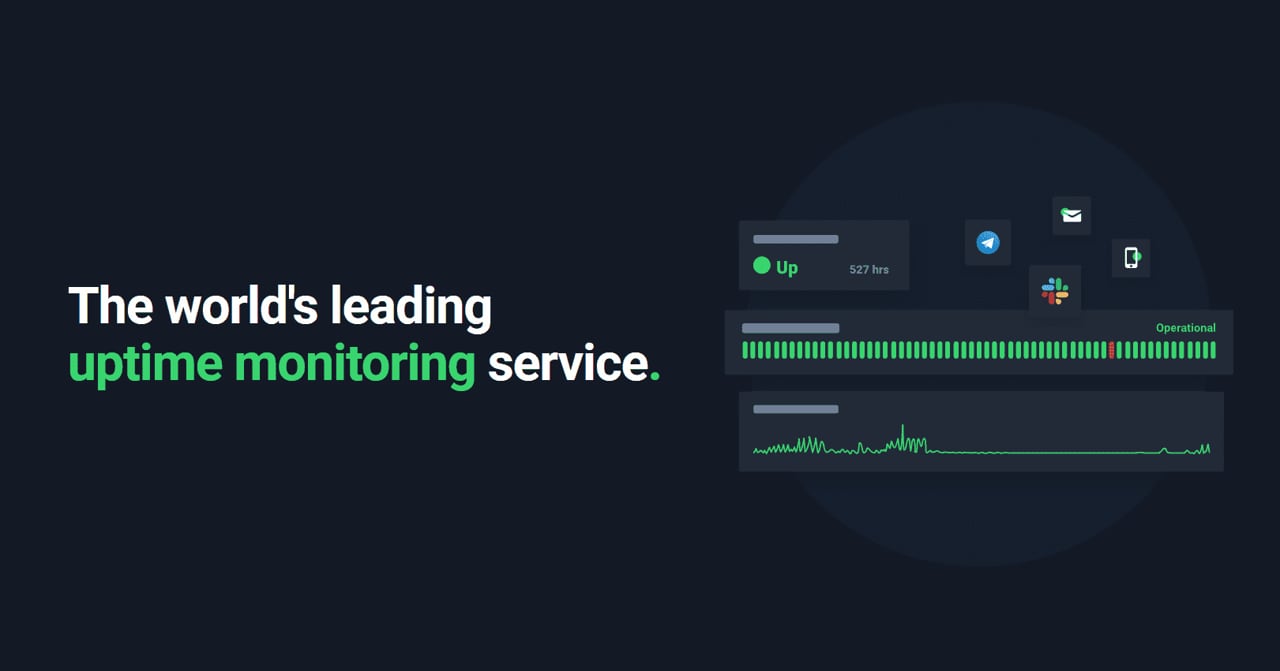
Try UptimeRobotUptimeRobot is an uptime monitoring service that continuously checks websites, APIs, and other endpoints and alerts you when something goes down, degrades, or changes. Set up monitors in minutes and catch issues before your users do, with real-time alerts and public status pages you can share with customers. You can also monitor things like SSL certificates, ports, DNS changes, and cron jobs from one place.
What does UptimeRobot do?
UptimeRobot continuously checks your website, API, and other endpoints and records incidents with timestamps. When a check fails, it sends instant alerts through your chosen channels so you can respond quickly, and it also helps you communicate reliability using real-time status pages.
How do I set up website uptime monitoring without code?
Create a free UptimeRobot account, then in the dashboard choose Add New Monitor and select HTTP(s) for website monitoring. Enter your URL, set the monitoring interval and any optional checks, add your alert notification channels, and save the monitor; status pages can be created after you have a monitor to display.
How fast can UptimeRobot check my site, and what’s included on the free plan?
UptimeRobot can check as often as every 15 seconds and as infrequently as every 5 minutes, depending on your monitor settings. The available intervals vary by plan, and the free plan includes 50 monitors for free.
Can I monitor from multiple locations and reduce false alarms?
Yes. UptimeRobot supports multi-location checks (from up to four regions) so you can spot outages that only affect part of the world. It can also re-check a failing monitor from another data center in the same region before opening an incident, helping reduce false positives (including on the free plan).
What types of things can I monitor besides uptime?
You can monitor more than HTTP(s) endpoints, including keyword changes, ping availability, specific TCP ports, cron/heartbeat schedules, DNS record changes, and SSL certificate or domain expiry. There are also response time checks and tools for tracking reliability over time.
How do real-time alerts and status pages work?
You can set up alerts using email, SMS/IM/phone options, mobile app push, and integrations with tools like Slack, Microsoft Teams, PagerDuty, and more, plus Webhooks, Zapier, and API for custom workflows. You can also create branded real-time public status pages showing your monitors, incident history, and maintenance updates, including options like custom domains and password protection.