
Slido
Interactive polling and Q&A platform for meetings and events
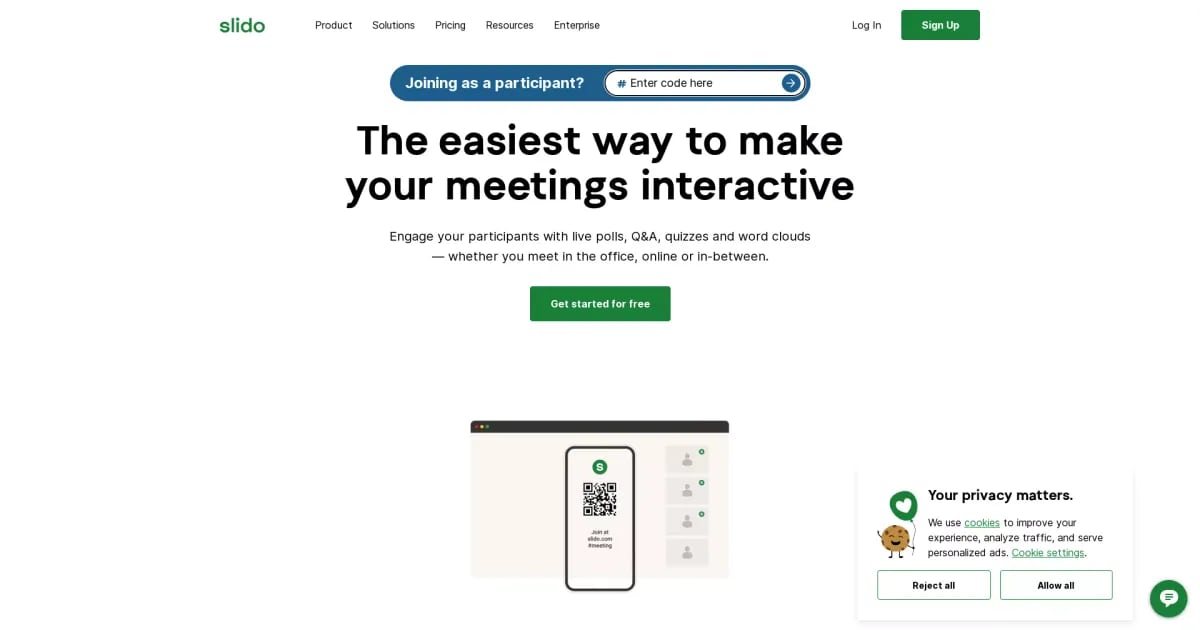
What is Slido?
Try SlidoSlido is an interactive Q&A, polling, and quizzes platform designed to help meeting and event participants vote, ask questions, and give feedback in real time. Hosts can run live sessions with multiple poll types, live Q&A (including upvoting and anonymity options), quizzes, surveys, and post-event analytics. Slido can also be connected to common presentation and video conferencing tools and supports enterprise features like SSO, privacy controls, and user management.
What can you do with Slido during a meeting or event?
Slido helps participants ask questions, vote in polls, and join the discussion using live Q&A and interactive polls. You can also run quizzes and surveys, then review analytics to understand engagement and feedback from the audience.
Which live poll types are available in Slido?
Slido supports five distinct poll types, including multiple choice, word cloud, rating poll, open text, and ranking poll. You can use poll results to understand what your audience wants to hear and shape the session accordingly.
How does Slido’s live Q&A work for inclusivity and moderation?
Slido supports host-led live Q&A where everyone can ask and upvote questions, with the option to ask anonymously or with names. Hosts can also review and moderate incoming questions before participants can see them.
Is Slido easy to set up and use for hosts and participants?
Slido is built for quick engagement during sessions, letting you run live polls and Q&A in real time. Participants can typically join to vote and ask questions without logins or downloads, depending on the event setup.
What tools does Slido connect to for presentations and video meetings?
You can integrate Slido with tools like PowerPoint, Webex, Google Slides, Microsoft Teams, and Zoom to create a seamless experience for presenters and participants.
What enterprise features does Slido offer for security and management?
Slido for Enterprise includes features such as SSO, privacy controls, and user management. It also supports collaborative workspaces for sharing meetings with selected team members, plus options like exports to Google Sheets, Excel, or PDF and customizable branding themes.