
Rive
Agent-native engine for building and shipping games, apps, and interactive UI with a single Rive project.
What is Rive?
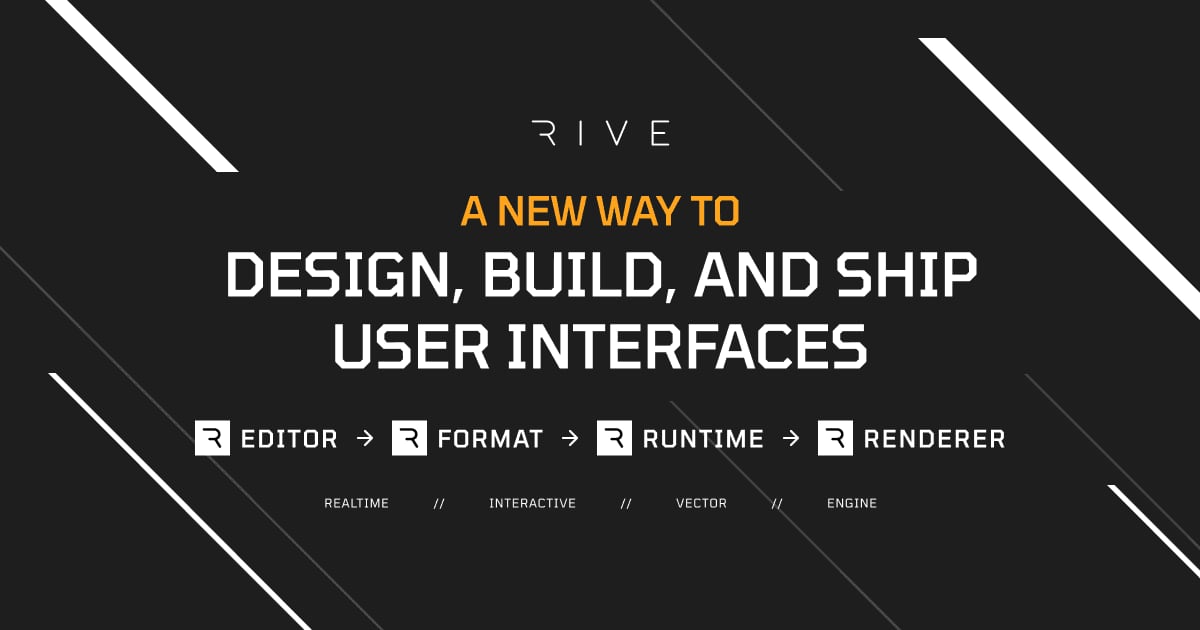
Try RiveRive is an agent-native engine for building games, apps, and interactive UI with a single animation and interaction engine. It connects an end-to-end pipeline from the Rive Editor and file format to open-source runtimes, so what you build in Rive looks and behaves the same across websites, apps, and games. You can generate an initial Rive project with a coding agent via the Rive CLI, then refine it visually for production-ready results.
What does Rive help you build?
Rive helps teams create production-ready interactive graphics for games, apps, and UI—where animation and interaction logic are defined in the same Rive file. Because the editor, file format, and runtimes work together, the experience you design in Rive carries over consistently to your websites, apps, and games.
How does the Rive CLI workflow with an AI agent work?
You can start with a coding agent that uses the Rive CLI to generate an initial Rive project from your instructions. As you continue directing changes, the preview rebuilds when the agent saves, and you can then open the same file in the Rive Editor to refine the motion and behavior.
Can designers build interactivity in Rive without writing code?
Yes. Rive’s state machines let designers create interactivity visually, and data binding, inputs, listeners, and transitions help connect runtime behavior to the content inside the Rive file. That means teams can iterate on functionality in the editor while still shipping interactive experiences.
What does a state machine do in Rive?
A state machine is how you visually structure interactivity using animations as states. With transitions and conditions, you can connect different animation behaviors and update them based on inputs and events from the runtime code.
How does Rive handle responsive UI and layout?
Rive supports responsive layouts so components can dynamically reflow and resize. It also includes techniques like N-slicing so artwork doesn’t distort when your UI scales.
Where can I run Rive interactive files?
You can export and run Rive across multiple platforms using open-source runtimes, including web (JS), iOS/iPadOS/macOS/visionOS, Android, React, React Native, Flutter, Unity, and Unreal. There are also plugins for connecting Rive assets to tools like Framer, Webflow, and Wix Studio.
Is Rive suitable for no-code or low-code teams?
Rive is built around interactive features like state machines, data binding, responsive layouts, and accessibility semantics that help reduce how much logic you need to write in app code. Designers can also work directly in the same Rive file that agents help generate, then tune the behavior and motion in the editor.
What can the Rive Editor do for animation and interactivity?
In the Rive Editor, you can draw and rig artwork, animate with the Timeline and Graph Editor, and add logic with state machines and data binding. It also supports responsive layouts, scrolling lists, gamepad-driven UI, GPU Canvas for 3D in the same scene, localization, and other production tools for building interactive UI.
Which platforms can I ship Rive projects to?
Rive projects can be used across web, mobile, desktop, consoles, and smart TVs, and you can also ship to frameworks and engines like Flutter, React Native, Unity, and Unreal. The “same file” workflow is intended to let you add a Rive runtime for your platform, or build the whole app or game in Rive.