
Ramp
All-in-one spend management platform for automating finance operations.
What is Ramp?
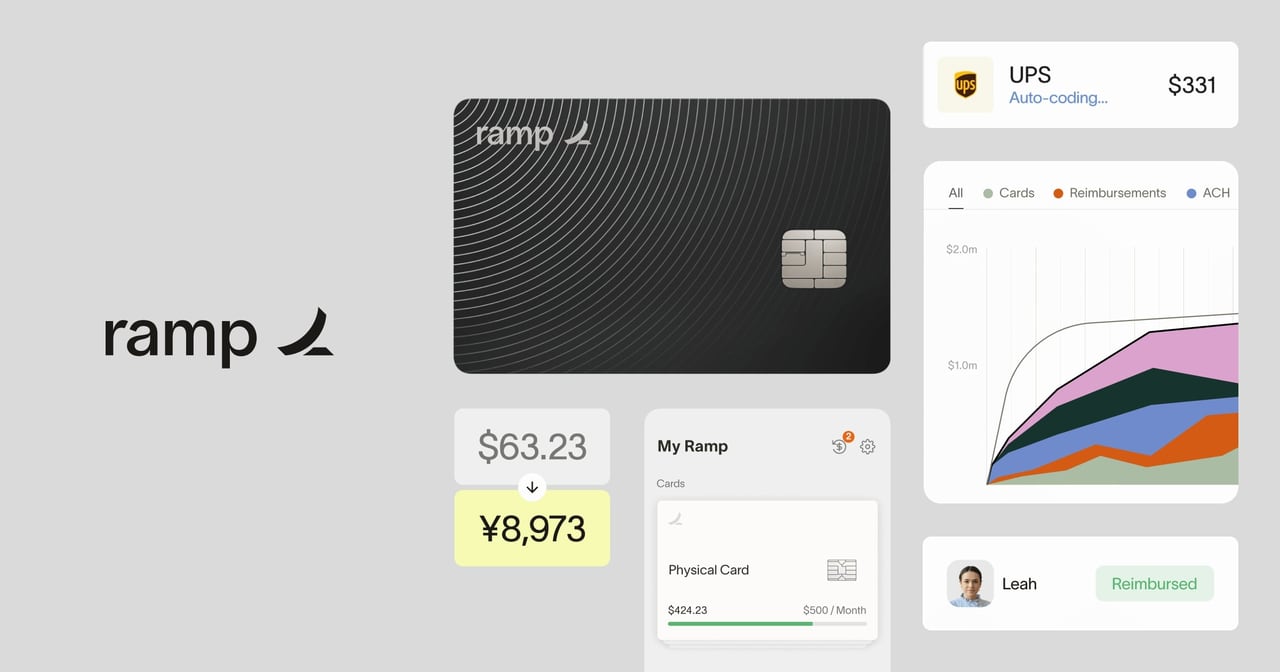
Try RampRamp is an all-in-one spend management platform designed to power finance operations on a single, intuitive workflow. It focuses on spend control and visibility with configurable guardrails, compliance checks, and automated coding to keep finance work moving. Ramp also helps teams streamline approvals and monthly close with rules-based workflow automation, while syncing data in real time through integrations and APIs.
What does Ramp help you manage for corporate spend?
Ramp brings spend control into one place by combining expense management with finance workflows, including approvals and tracking purchase orders through to payment. It’s built to automate parts of the process so finance teams can focus on reviewing exceptions rather than handling every transaction manually.
How easy is it to set up workflows and automate finance processes?
Ramp lets you create time-saving workflows in minutes using a rules-based workflow builder, so you can automate steps from approvals to employee onboarding. When work can’t be handled automatically, the workflow flags items for the right people to review.
How does Ramp prevent out-of-policy spending?
You can set spend policies and guardrails, and Ramp will flag non-compliant expenses. It also notifies employees when spend falls outside policy, helping reduce waste from the start.
How does Ramp keep coding and books accurate?
Ramp helps ensure consistent expense coding and categorization by automatically coding and categorizing employee expenses. That reduces manual handling and supports faster, cleaner updates as spend flows through your finance process.
Which integrations does Ramp support for monthly close and ERP sync?
Ramp syncs transactions in real time and supports enterprise-grade ERP integrations, pulling in custom fields and supporting multiple entities. It specifically highlights NetSuite integration, including syncing expenses back to their original currency and speeding up monthly close.
What security and access controls does Ramp offer?
Ramp supports SSO and requires MFA for user access. It uses encryption both at rest and in motion and is SOC 2 Type II compliant while following PCI security standards for card information.