
Pabbly
All-in-one platform for automation, forms, marketing, and billing to simplify business workflows.
What is Pabbly?
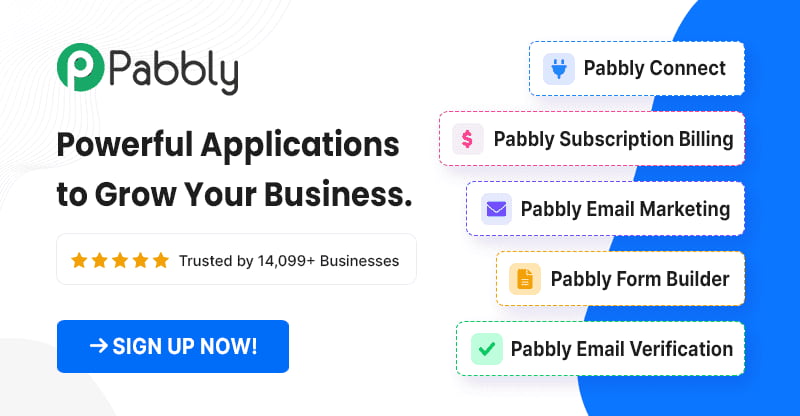
Try PabblyPabbly is an all-in-one platform for simplifying business operations with automation, marketing, billing, and forms. With Pabbly Connect, you can create automated workflows that move data between apps, and it’s built to be usable without technical complexity. The Pabbly ecosystem also includes tools for WhatsApp automation, email marketing, subscription billing, and webhooks.
What does Pabbly do for businesses?
Pabbly helps businesses streamline day-to-day operations by bringing essential tools under one roof. With Pabbly Connect, you can create automated workflows that transfer data between applications for use cases like forms, marketing, chat, and billing.
Is Pabbly Connect no-code or beginner-friendly?
Pabbly is designed for simple, powerful business automation without technical complexity. Pabbly Connect is built so you can create workflows and connect services without needing advanced technical expertise.
What kinds of apps and AI tools can I connect with Pabbly Connect?
Pabbly Connect supports integrations that include AI tools such as ChatGPT/OpenAI, including DALL-E and Whisper, along with common services like Google Calendar, Google Drive, Google Sheets, Gmail, Google Docs, YouTube, and Meta for Facebook and Instagram lead ads. You can also request custom integrations if your needed app isn’t available.
How secure is Pabbly for handling business data?
Pabbly provides enterprise-ready security and compliance, including SOC 2 Type 2 compliance and ISO 27001:2022 certification. It also supports two-factor authentication, uses 128-bit SSL/TLS for data in transit, encrypts sensitive data at rest, and includes penetration testing with a responsible vulnerability disclosure program.
Can Pabbly help if I need an integration that isn’t already supported?
Yes. If the specific app or integration you need isn’t available, you can create custom integrations or use the integration request process to help get the integration created or updated.