
Descript
AI-powered no-code video & audio editing for creators and teams
What is Descript?
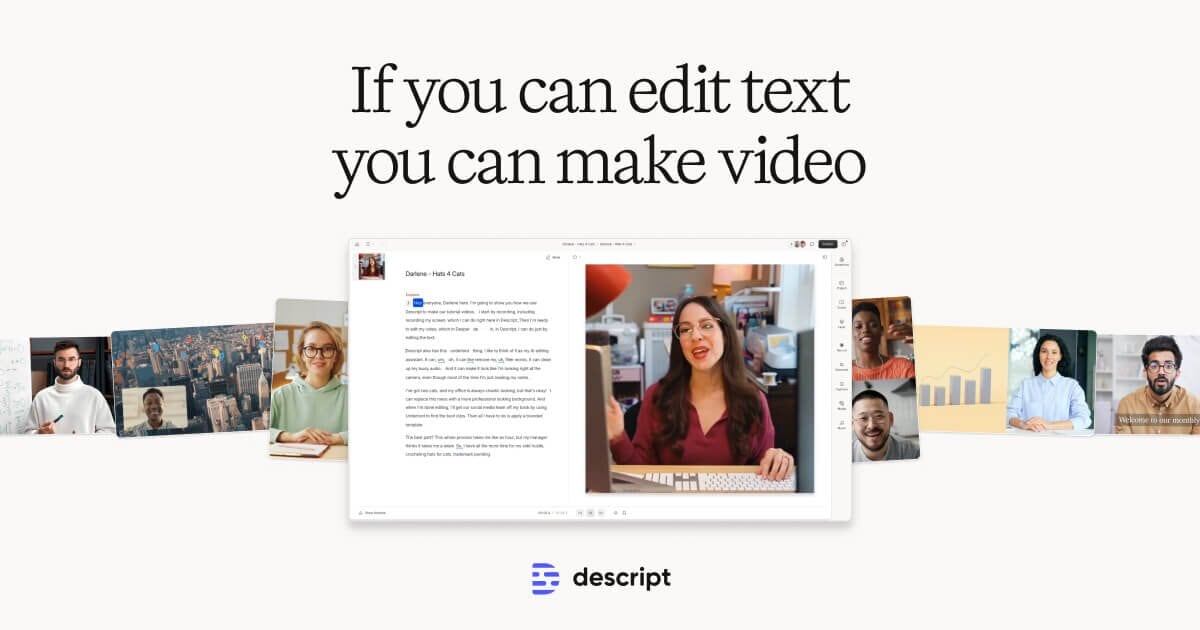
Try DescriptDescript is an AI-powered video and audio editor that helps you create professional-quality content as easily as editing a document. Edit video by editing automatically transcribed text, and use 20+ AI tools for transcription, recording, captions, clip generation, and publishing. Built for collaboration, it includes an AI co-editor, Underlord, to help take edits from rough cuts to final polish.
What is Descript used for in video and podcast production?
Descript is used to record, edit, and produce audio and video for creators and teams. It uses AI transcription so you can edit content by working with the text, and it also supports captioning, clip generation, and publishing workflows for formats like podcasts, demos, tutorials, and marketing videos.
How does editing a video by editing text work?
Descript transcribes your audio or video and displays the transcript for editing. When you delete a word or change the transcript, the corresponding part of the video is cut or updated, so you can refine timing by adjusting wording instead of manually trimming on a timeline.
Is Descript beginner-friendly and suitable for no-code video editing?
Descript is designed to be approachable by centering common editing workflows on text, with AI tools for transcription, captions, and recording. That text-first approach helps reduce manual timeline work for people who want a faster way to make edits without traditional editing complexity.
What can Underlord do for my edits?
Underlord is Descript’s AI co-editor that helps with editing tasks from rough cuts to final polish. It’s positioned to support workflows like removing filler words and generating more polished edits.
Can I automatically add captions and generate shareable clips?
Yes. Descript can add captions and subtitles automatically in one click, and it can generate short clips from long-form video using AI to make sharing easier.
What AI recording and audio tools are included in Descript?
Descript includes Studio Sound to remove background noise and echo from audio with one click. It also supports screen and camera recording for tutorials and demos, plus 4K remote recording for podcasts and video interviews in Rooms.