
Builder.io
No-code platform for building and publishing web apps and dynamic content with a shared source of truth.
What is Builder.io?
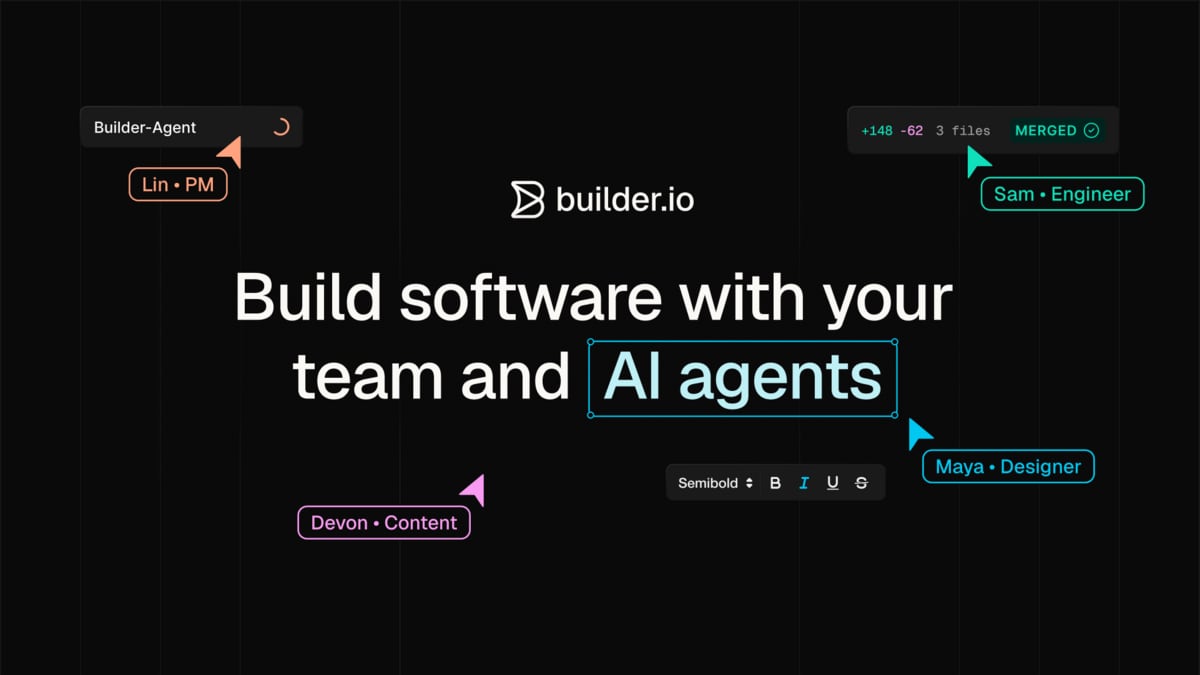
Try Builder.ioBuilder.io helps teams build and publish real product experiences with a shared source of truth for both code and content. Your engineers can work in code (or using AI tools you already use), while designers, PMs, and marketing collaborate on production-ready changes. It also includes an agentic CMS for creating, managing, testing, personalizing, and scheduling dynamic content.
What does Builder do for product, design, and content teams?
Builder lets teams build UIs and publish on-brand experiences in sync with production code and design systems. Engineers can implement in code, and other roles can refine pixels, edit copy, and ship updates in the real app without messy handoffs.
Can non-engineers edit and approve changes directly in production?
Yes. Builder provides a visual editor that’s wired into your components and design tokens, so changes stay on-brand and production-ready. Teams can preview updates, gather approvals, and publish when it’s ready.
How does Builder support collaboration across engineers, designers, product, and marketing?
Builder uses one codebase and a shared source of truth so everyone works from the same context. Designers, PMs, QA, and marketing can review changes in the real product and collaborate on experiments and campaign updates without waiting for the next sprint.
What is an “agentic CMS” in Builder, and what can it automate?
Builder’s agentic CMS helps you publish dynamic content with prompts and supports A/B testing, personalization, and scheduled updates. Your team can preview, approve, and publish using brand and workflow controls.
Is Builder designed for enterprise security and access control?
Builder is enterprise-ready with SOC 2 Type II compliance and enterprise-grade security standards. It also supports roles and permissions to control access, plus rules and workflows to manage how your team ships.
Is Builder suitable if I don’t want my data used for model training?
Builder states it is designed with no training on your data, keeping your data private and separate from model training.
What does Builder.io do for product, design, and content teams?
Builder.io lets teams build UIs and publish on-brand experiences in sync with production code and design systems. Engineers can implement in code, and other roles can refine pixels, edit copy, and ship updates in the real app without messy handoffs.
Can non-engineers edit and approve changes directly in production?
Yes. Builder.io provides a visual editor that’s wired into your components and design tokens, so changes stay on-brand and production-ready. Teams can preview updates, gather approvals, and publish when it’s ready.
How does Builder.io support collaboration across engineers, designers, product, and marketing?
Builder.io uses one codebase and a shared source of truth so everyone works from the same context. Designers, PMs, QA, and marketing can review changes in the real product and collaborate on experiments and campaign updates without waiting for the next sprint.
What is an “agentic CMS” in Builder.io, and what can it automate?
Builder.io’s agentic CMS helps you publish dynamic content with prompts and supports A/B testing, personalization, and scheduled updates. Your team can preview, approve, and publish using brand and workflow controls.
Is Builder.io designed for enterprise security and access control?
Builder.io is enterprise-ready with SOC 2 Type II compliance and enterprise-grade security standards. It also supports roles and permissions to control access, plus rules and workflows to manage how your team ships.
Is Builder.io suitable if I don’t want my data used for model training?
Builder.io states it is designed with no training on your data, keeping your data private and separate from model training.