Adalo
Build and publish mobile/web apps effortlessly with a no-code platform.
What is Adalo?
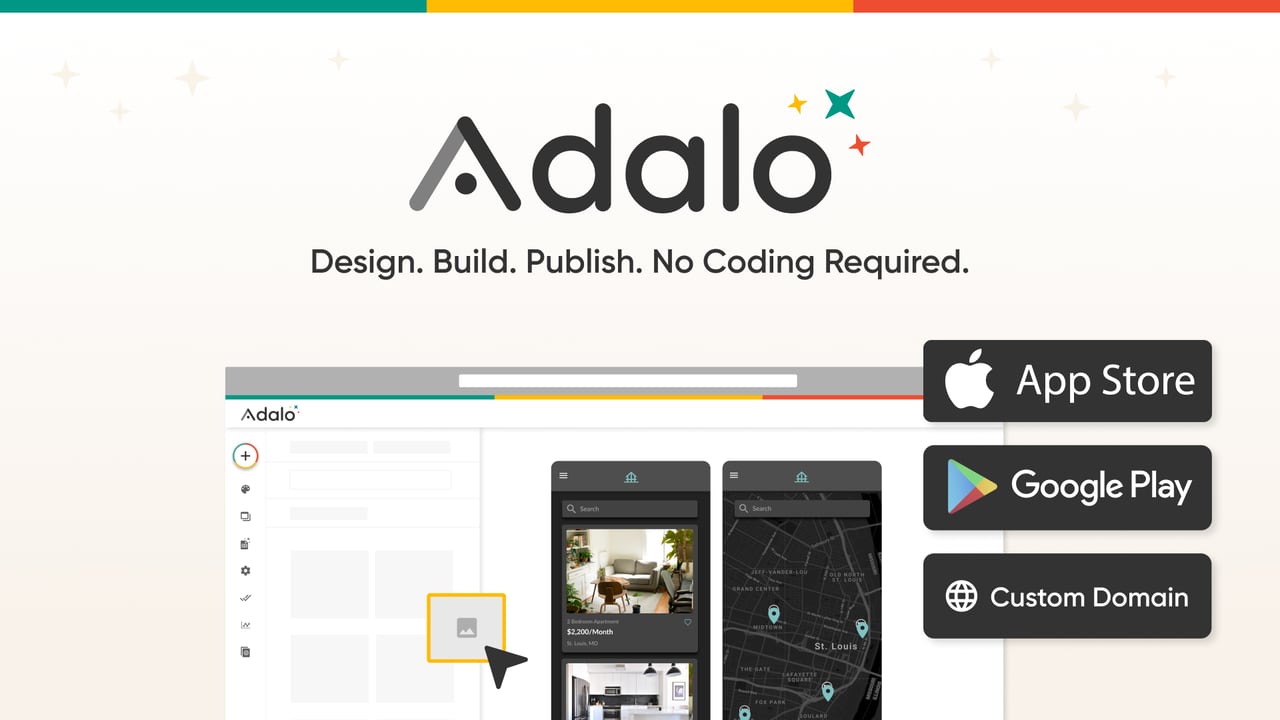
Try AdaloAdalo is a no-code platform for designing, building, and publishing native iOS, Android, and database-driven web apps from a single project. Describe what you want to build and Adalo’s AI assistant (Ada) can generate a full multi-screen app you can refine on a visual drag-and-drop canvas. Publish to the App Store, Google Play, and custom domains, with an included built-in Postgres database option and AI-powered building.
What is Adalo used for?
Adalo helps you design, build, and publish native iOS, Android, and web apps from one project, without writing code. You can generate an app with Ada, refine screens on a drag-and-drop canvas, preview or share a link, and then publish to app stores and the web.
How does Ada AI help you build apps in Adalo?
You describe your app idea to Ada, and she generates the app including screens and a working UI tied to a database structure. You can then point at elements on the canvas to edit and refine what Ada generated, while keeping the visual, no-code workflow.
Can I publish one app project to iOS, Android, and the web?
Yes. Adalo supports building once from a single project and publishing everywhere, including native iOS IPA output, native Android APK output, and responsive web apps to custom domains. It also supports one-click App Store and Google Play publishing from the same build pipeline.
Do I need Firebase, or can Adalo use my own data?
You don’t need Firebase setup. Adalo includes a built-in Postgres database, and you can also connect existing data sources such as Airtable, Google Sheets, and Excel to generate apps that read and write to your data.
Is Adalo beginner-friendly for no-code app building?
Adalo is designed for no-code users, with a drag-and-drop builder and a multi-screen canvas to visually lay out every screen. The free plan is available to start building, and Ada helps you get to a working app faster by generating the initial build from your description.
What are the key free-plan limits in Adalo?
Adalo offers a free forever plan with unlimited screens and unlimited test apps, with AI included. It also includes 500 records per app and requires no credit card to start, with upgrades when you’re ready to publish.