
Webscraper.io
No-code browser extension for web data extraction and automation
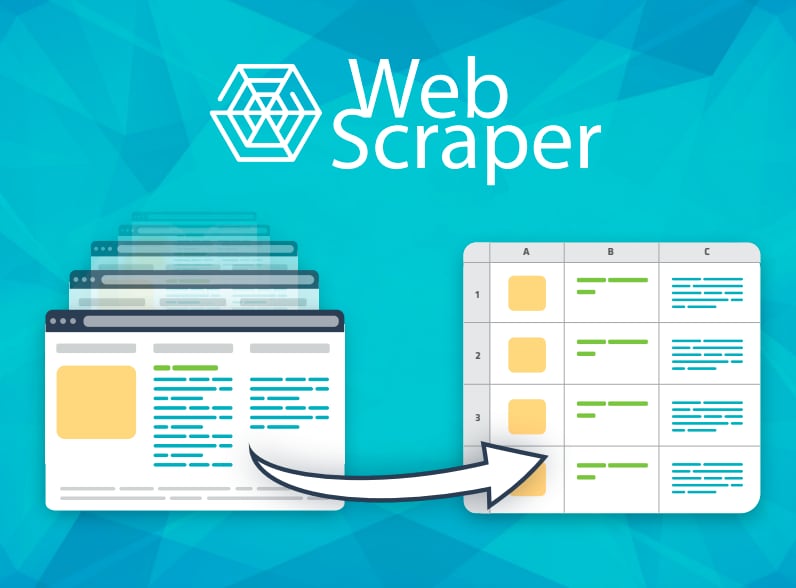
What is Webscraper.io?
Try Webscraper.ioWebscraper.io’s Web Scraper Cloud helps teams keep competitor product pricing, promotions, and availability up to date using recurring scraping jobs. You define what to capture with the browser extension, then the platform runs scheduled extraction and delivers dated datasets to your pricing, reporting, and storage workflows. It’s built to handle common retail scraping challenges like JavaScript-driven pages, pagination, rate limits, and anti-bot protections so you don’t have to assemble and maintain that infrastructure yourself.
What problem does Webscraper.io solve for teams doing competitor price monitoring?
It automates recurring competitor price monitoring by capturing product details like current price, promotion label, availability, and source URL on a schedule. Web Scraper Cloud delivers dated datasets to your existing pricing and reporting systems, helping reduce the risk of outdated prices compared with manual checks or isolated snapshots.
How does Web Scraper Cloud help with no-code setup for what data to extract?
You use the Webscraper.io browser extension to create a sitemap and select the product identifier and fields you want in the output, such as price, promotion, availability, and the source URL. After that, Web Scraper Cloud handles the scheduled execution and data delivery so you can focus on monitoring scope rather than maintaining scraper infrastructure.
Can I run price monitoring jobs automatically on a schedule and get results when they finish?
Yes. Web Scraper Cloud runs recurring jobs at fixed intervals or custom schedules, and it can notify your systems when a job completes via webhooks. You can also download completed data or retrieve job results through the Web Scraper Cloud API.
Does Web Scraper Cloud handle anti-bot protections and rate limits?
Web Scraper Cloud is designed to manage the infrastructure needed for recurring monitoring, including browser automation, built-in proxy management, automated CAPTCHA handling, and retries. It also targets anti-bot systems such as Cloudflare, DataDome, and PerimeterX, which commonly appear on retail sites.
Where can the scraped competitor price datasets be delivered after a job runs?
You can export completed data as CSV, XLSX, or JSON, or send it to tools and storage like Google Sheets, Google Drive, Dropbox, Google Cloud, Azure, and Amazon S3. If you’re connecting to internal pipelines or pricing systems, the API can retrieve job outputs and webhooks can signal job completion.
Is Webscraper.io a good fit for different e-commerce platforms and retailers?
It supports public storefronts built with platforms like Shopify, WooCommerce, Adobe Commerce, and BigCommerce, as well as custom e-commerce systems. The Web Scraper Marketplace also offers prebuilt sitemaps for major retailers, which you can adjust to match the stores, products, and price fields you monitor.