
Veed
AI video creation platform for generating social videos from prompts, photos, and voice without filming.
What is Veed?
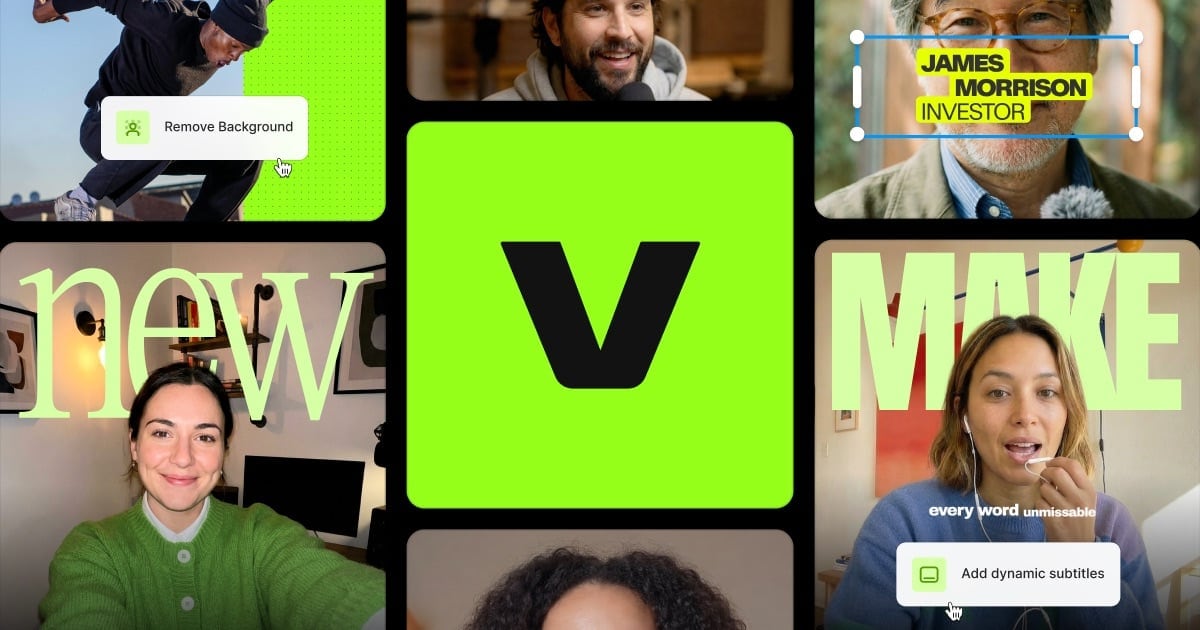
Try VeedVeed helps you create AI videos for social media without a camera. Create videos from ideas, photos, and your voice, and then edit with features like AI subtitles, brand styling, and audio/video enhancements. It’s designed to help you generate feed-ready content quickly while keeping your videos on-brand.
What does Veed do for creating videos?
Veed lets you generate AI videos for social by turning your ideas into ready-to-post video content. You can create from inputs like a photo and your voice, then refine the results with editing tools such as subtitles, brand styling, and other AI-assisted improvements.
Can I make videos without filming anything?
Yes. Veed is built to generate videos in minutes so you can turn an idea into a video worth posting without needing a camera.
How does Veed help keep my videos looking like my brand?
Veed applies your brand look across videos using your colours, fonts, logos, and voice, so each video is styled consistently. This is designed to help generated videos match your brand rather than look generic.
Is Veed easy to learn for non-video creators?
Veed is designed so you can start creating quickly, with templates that let you jump in and make your first video without having to go through extensive tutorials. Users on the site highlight getting started and producing results in under an hour.
What AI features are available for subtitles and captions?
Veed includes AI subtitle generation and tools to add subtitles and captions, including dynamic subtitles. It’s positioned as a way to keep viewers engaged with feed-ready captioning.
Does Veed offer tools beyond video generation, like editing and cleaning audio?
Yes. Veed includes an AI video editor plus tools such as background removal, video and audio noise reduction, and other enhancements like eye contact correction, so you can refine videos after generation.