
Super
No-code platform that turns shared Notion pages into customized websites with themes, SEO, and publishing controls.
What is Super?
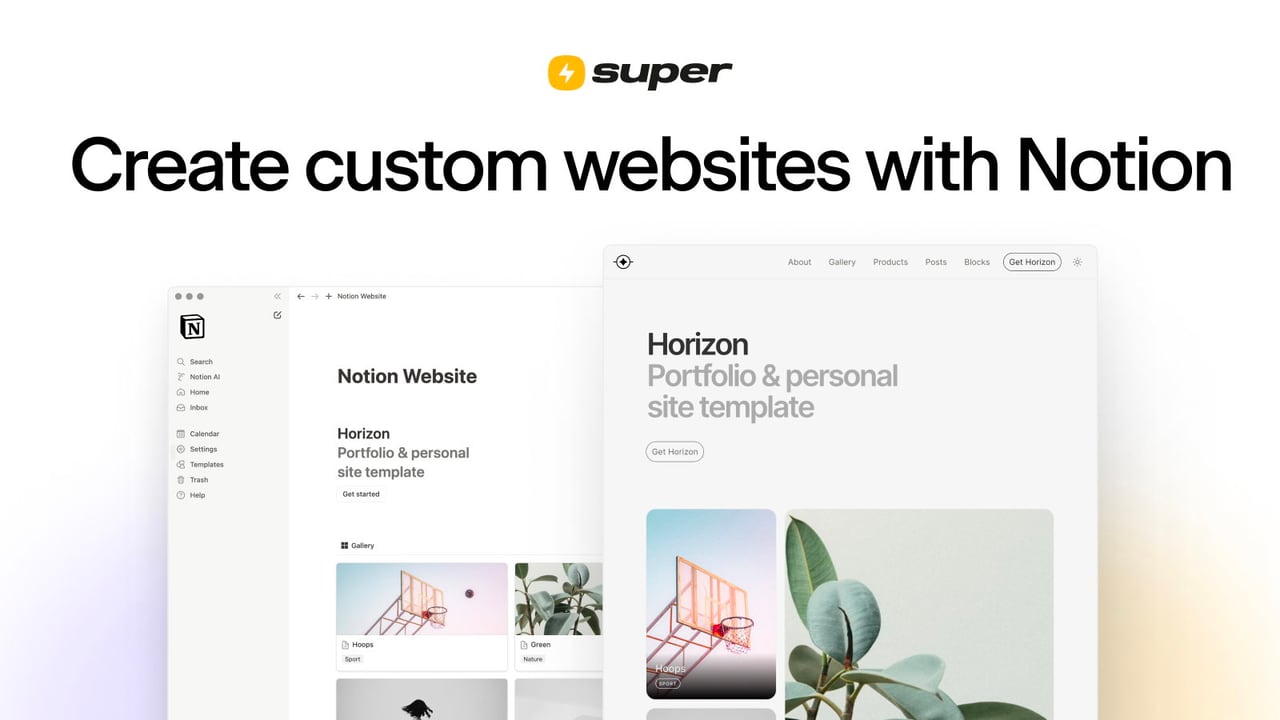
Try SuperSuper is a no-code platform for turning Notion pages into fully customized websites. Share a Notion page via a web link, connect it in Super, and your content is published to a custom Super site with instant page loads. Super also includes tools like templates, SEO optimization, cookie consent, memberships, and live human support.
What does Super do for Notion users?
Super turns your existing Notion pages into beautiful, professional websites. You publish your Notion page via a Share link, paste that link into Super, and your site goes live with automatic syncing when you update your Notion content.
Do I need coding to customize my site with Super?
No. Super emphasizes no-code themes and designer templates that let you customize the look and feel inside Super without writing code. You can add custom code only if you want extra flexibility.
How hard is it to set up a website with Super?
Super is designed to be fast: choose or create a Notion page, paste the Notion page web link into Super, and share your site. It’s also built around using the Notion app for easy editing so updates can go live without extra configuration work.
Will my website update automatically when I edit my Notion page?
Yes. Super keeps your work in Notion and handles publishing, so edits in Notion are automatically synced to your Super site.
What SEO and sharing features are included?
Super optimizes your site for search engines and creates social sharing cards automatically from your page content. It also uses HTML best practices to help your site rank well and look great when shared.
Does Super include cookie consent, memberships, and security options?
Yes. Super provides a built-in cookie consent banner with a record of visitor choices, supports memberships with logins and gated pages, and includes security options like password protection for your Notion pages.