
Parabola
Automate messy data workflows with AI-powered no-code tools.
What is Parabola?
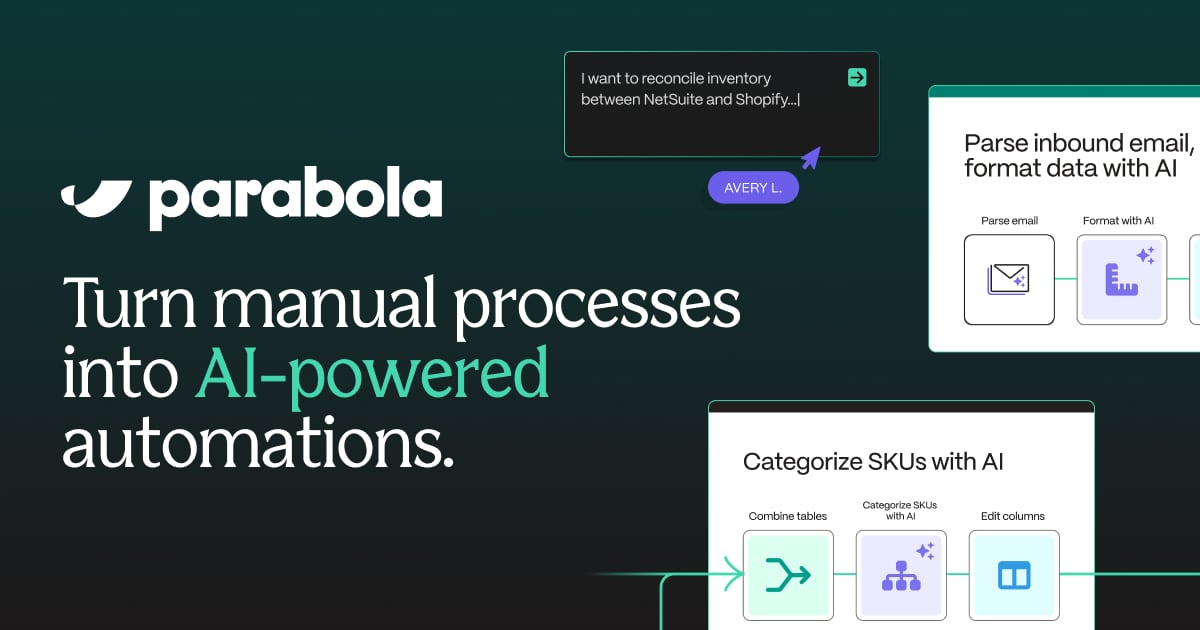
Try ParabolaParabola’s Prowork is an AI-powered workspace for turning operational know-how into explainable, automated workflows. It helps you connect messy inputs, standardize logic, and run repeatable processes you can inspect step by step. You can also generate documented outputs like reconciliation tables and discrepancy reports, so teams can act faster with more confidence.
What does Parabola (Prowork by Parabola) help you automate?
Parabola helps you automate data-heavy, repeatable operations workflows where the “how” matters. For example, it can pull inputs from places like business systems, emails, spreadsheets, and documents, then standardize rules and generate consistent outputs such as reconciliations, variance analysis, and exception summaries.
Can I build workflows in Parabola without writing code?
Yes. Parabola is positioned as a no-code workflow builder where you can translate your existing spreadsheet or operational logic into a workflow you can read, inspect, and change—without needing to move everything into a new system first.
How does Parabola handle messy or inconsistent data across sources?
Parabola supports “inspect and trust” workflow steps against live data. In inventory reconciliation, for instance, it can standardize identifiers (like SKUs) across inputs, aggregate rows to a consistent level, and then join sources to compute per-item matches, deltas, and reconciliation status.
How does Parabola reconcile data across systems like ERP and spreadsheets?
It can integrate multiple live sources and combine them into one normalized view. In the inventory reconciliation workflow example, it joins inventory from NetSuite, supplier email spreadsheets, and SharePoint by standardized SKU, compares quantities per source, flags Match/Mismatch/Missing items, and sorts and filters the results to prioritize what needs attention.
Can Parabola generate discrepancy reports or alert emails automatically?
Yes. Parabola can build an automated exception summary that turns flagged items into headline KPIs and highlights the biggest gaps, and it can gate the output so an email only sends when there are discrepancies to address.
What auditability and security does Parabola provide for controlled workflows?
Parabola is described as enterprise-grade and SOC 2 Type II compliant, with SSO & SAML, role-based access, data encryption, and usage analytics. It also logs actions and provides traceable workflow steps so results can be inspected and changes can be governed over time.