
FlutterFlow
Visual app builder for creating custom mobile and web apps, including UI design, logic, testing, and deployment.
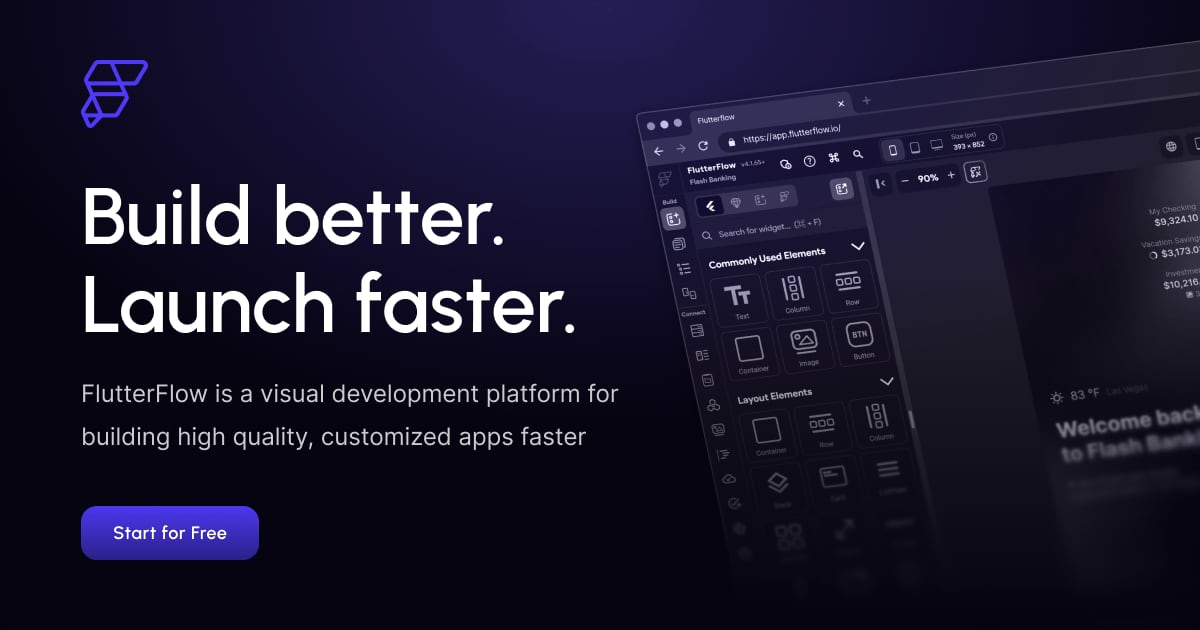
What is FlutterFlow?
Try FlutterFlowFlutterFlow is now FlutterFlow Studio, a visual builder that helps you go from an idea to a working mobile app with backend, analytics, and store-ready releases. You design screens and settings visually, connect the services you use, preview changes, and run testing builds before releasing to app stores. FlutterFlow also supports downloading the built app files from Releases.
What is FlutterFlow Studio and what problem does it solve?
FlutterFlow Studio helps you build an app visually and then automatically produce backend, analytics, and store releases from your idea. It’s designed to let you make changes, preview updates, and get from testers to review and rollout without managing the full build-and-release process yourself.
Is FlutterFlow no-code or beginner-friendly?
Yes—FlutterFlow Studio is built around visual editing, so you can set up your app using widgets and settings rather than relying on traditional coding workflows. The workflow emphasizes creating and updating your app through the Studio interface, supported by documentation and training.
How does FlutterFlow handle backend data and updates?
FlutterFlow includes a backend that you can update from within the platform. Changes you save update your app for everyone, and you can manage records, users, and files while seeing how data fits together across tables.
Which services can I connect for payments, AI, and data?
FlutterFlow can connect services you use once for your app, including Stripe for payments, and AI services like OpenAI, Anthropic, and Google Gemini. It also lists integrations such as AdMob for ads, Airtable and Notion for data, plus tools like Discord and Telegram for communications.
Can I export my Flutter code or put my app on the web?
FlutterFlow says you can’t export the app’s source code from FlutterFlow itself. You can download built phone files (.apk, .aab and .ipa) from Releases; if you want the code, the site says to build in FlutterFlow Studio. The page also references web app options in terms of what Studio includes, but it doesn’t describe a specific web export workflow on the product page content provided.
How does testing and releasing work to get my app into stores?
FlutterFlow supports previewing changes and then generating test builds that go to testers via TestFlight and Google Play closed testing. After that, you submit for review and choose a Google Play rollout, and if Apple requests changes, you can fix them with the agent as part of the process.
How do you connect apps to data and third-party services?
FlutterFlow lets you connect your app to data with Firebase and Supabase integrations, and it supports setting up your own RESTful backend or leveraging third-party APIs. It also includes built-in integrations for things like payments and maps.
Can my team collaborate while building an app?
Yes. FlutterFlow supports collaborative development with branching, and it includes in-app commenting and task assignment so teammates can coordinate natively. You can also invite team members to collaborate without additional setup.
Can I deploy to mobile and web, and can I export my code?
You can build responsive apps that fit different device sizes and deploy to App Store, Play Store, and web with a few clicks. FlutterFlow also lets you export your code from the platform, helping avoid vendor lock-in.