
Candu
No-code in-app experiences builder for SaaS onboarding and engagement
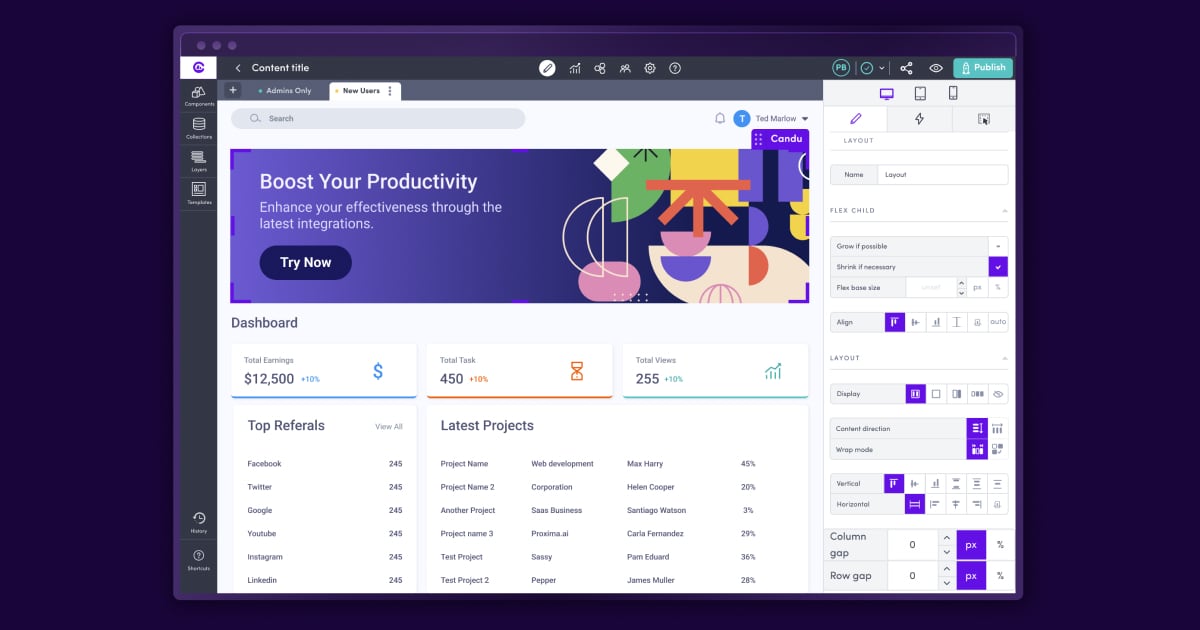
What is Candu?
Try CanduCandu helps you create interactive in-app product walkthroughs (“Tours”) that guide users to key actions for faster activation and adoption. Build getting-started tours, feature adoption tours, and upgrade prompts with a no-code editor, then personalize them for different audiences and measure results. Tours can be embedded or overlaid, with fully customizable step content and styling that looks like it was hard-coded into your product.
What can I create with Candu Tours for my app?
With Candu, you can create guided product tours to help users complete key actions step by step. Use them to onboard new users with getting-started experiences, drive adoption of new features, deliver contextual how-to content with modals, and prompt upgrades with paywall or upgrade prompts.
Is Candu really no-code, and how fast can I launch a tour?
Yes. Candu requires no-code to build and launch tours, using a visual editor and templates. You can choose placements, publish to users, and hide tours once they’re completed for a smoother experience.
How does Candu personalize tours for different user groups?
Candu lets you show the right tour based on where a user is in their journey and signals like role, plan type/use case, and other product data. You can use advanced segmentation, define placements by URL and selectors, and trigger engagement with Candu engagement events. It also supports integration with Segment.com for streamlined data management.
Can I customize the tour design to match my product?
Yes. Tours are fully customizable, including tooltip size, shape, and position, plus styling such as fonts, colors, shadow, and border radius. You can also enrich steps with images, videos, iFrames, and CTAs, and preview how the tour will appear in-app as you create it.
Can I run experiments and measure how tours perform?
Yes. You can run A/B tests, compare performance across user segments, and track tour engagement metrics with analytics. Candu also supports sending data to other tools via webhooks or API and sending events to Segment.com, Heap, or Amplitude, with options like exporting engagement data to CSV and setting goals to measure conversion events.
What are some common ways tours can be placed in my UI?
Tours can be delivered as embedded inline Candu content or as overlays/interruptive modals for well-timed onboarding and feature education. You can place tours using simple page and HTML selector choices, attach tours to specific HTML selectors, and target tours to specific product pages.