
Bitly
Manage, track, and analyze short links and QR Codes easily
What is Bitly?
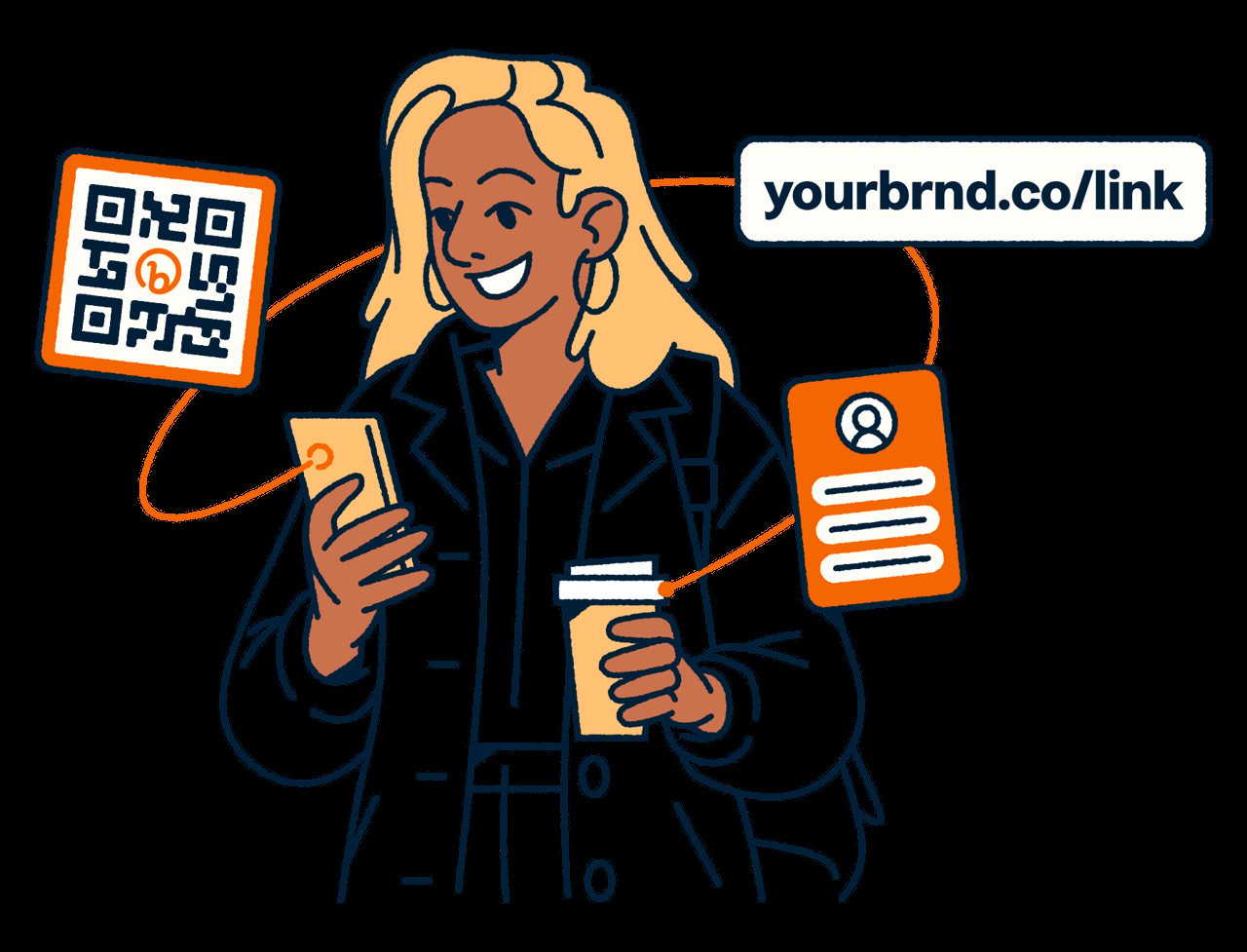
Try BitlyBitly is more than a link shortener—it helps teams track, analyze, and optimize branded short links and dynamic QR Codes in one place. With performance data for clicks and scans, you can compare how connections perform and make adjustments based on what’s working.
What does Bitly help me do with branded short links and QR Codes?
Bitly helps you create and manage connections, then track and analyze how your short links and QR Codes perform. You can use the insights to understand engagement and optimize what you share across campaigns and channels.
Can I change where a dynamic QR Code sends without recreating it?
Yes. Bitly supports dynamic QR Codes, so you can update the destination anytime without needing to recreate or reprint the QR code.
What analytics does Bitly provide for measuring link clicks and QR scans?
Bitly gives real-time visibility into QR Code scans and short link clicks, along with page-view reporting. It also supports campaign measurement approaches like using UTM parameters so you can compare performance side by side.
Is Bitly suitable for enterprise teams and administrators?
Bitly is designed for organizations with multiple teams and users, so admins can manage how teammates find and access the platform. It also includes additional sign-in security options such as SSO and 2-factor authentication.
How can Bitly support automation when creating many links or QR codes?
Bitly supports programmatic creation at scale, which is useful for workflows where you need lots of short links and QR codes. It also includes an API for shortening and management.
How does Bitly help keep links and QR Codes secure and reliable?
Bitly is designed for secure, reliable connections and includes protections around harmful links by reviewing abuse reports and blocking them. It also supports compliance with GDPR and CCPA for data protection.
Can Bitly integrate with the tools I already use to automate sharing?
Yes. Bitly includes an API for programmatic shortening and management, and a library of 800+ integrations to automate sharing with many tools teams already use.
How does Bitly help protect customers and maintain reliability?
Bitly is designed for secure, reliable links and QR Codes, including 99.99% uptime over the last 12 years. It also includes protections around harmful links by reviewing abuse reports and blocking them, and it supports compliance with GDPR and CCPA for data protection.